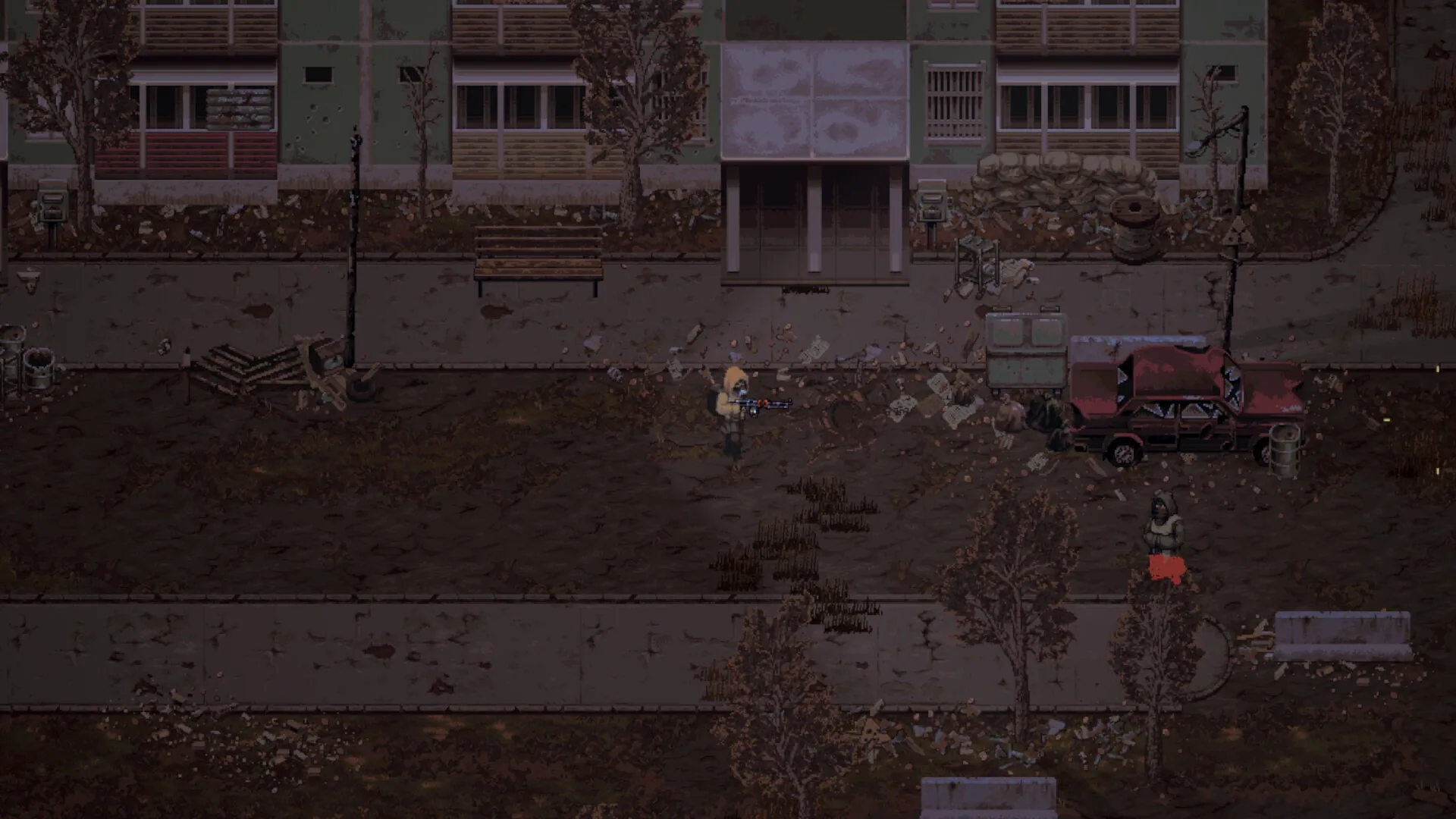
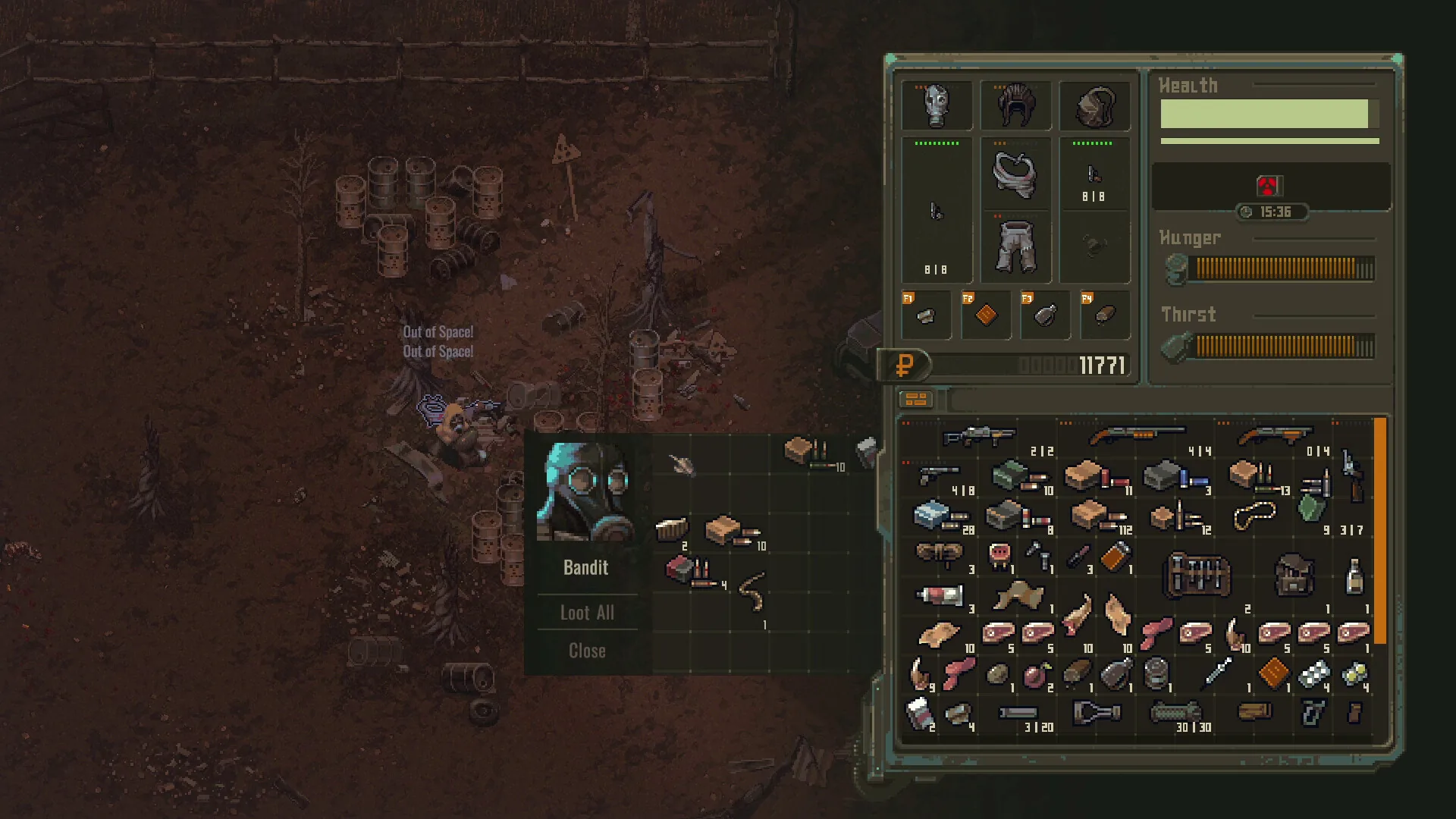
Medien: Autorisierte Scavland-Spieldaten · Community Modding Reports & Nexus Mods · Update 0.7.2.
Feldnotizen
- 01 · Install BepInEx 5.4 Unity Framework: Download the 64-bit BepInEx 5.4 release from GitHub or Nexus Mods. Extract the archive directly into your root game directory at Steam\steamapps\common\Scavland\ alongside the executable.
- 02 · Run Game Client Once to Generate Plugins Folder: Launch Scavland to desktop and exit immediately. BepInEx will automatically generate the BepInEx/plugins/ and BepInEx/config/ directories inside the game directory.
- 03 · Install Essential Quality-of-Life Plugins: Drop popular .dll plugins into BepInEx/plugins/. Community favorites include inventory auto-sorting, expanded camera pan ranges for Binoculars, and customizable HUD crosshair reticle markers.
- 04 · Apply Community Translation Packs: If your native language lacks official support, community language patches (such as extended Cyrillic, Spanish, or Brazilian Portuguese string dictionaries) can be placed in Scavland_Data/StreamingAssets/Languages/.
- 05 · Handle Patch Incompatibilities & Crash Loops: When official patches (such as Update 0.6.0 or Update 0.7.0) release, move your BepInEx folder to a temporary directory until mod creators update their hook hooks to match new assembly binaries.
- 06 · Adhere to Anti-Cheat & Single-Player Safety: Scavland features zero server-side anti-cheat software in solo play. Feel free to tweak stamina drain, weapon durability degradation, and barter prices without risking your Steam account standing.
Verifizierte Daten & Faktenlage
| Official Steam Workshop | Planned on roadmap for Phase 3; currently manual BepInEx installation |
| Modding Framework | BepInEx 5.4 x64 (Unity Mono/IL2CPP compatible) |
| Mod Hub | Nexus Mods (Scavland Community Hub) |
| VAC Ban Risk | 0% risk; Scavland is strictly offline singleplayer with no Valve Anti-Cheat |
| Primary Mod Types | UI scaling, inventory management, FOV expanders, and balance rebalancers |
| Engine Compatibility | Update 0.7.0+ requires recompiled assembly hooks |
| Verified Baseline | Community Modding Reports & Nexus Mods · Update 0.7.2 |
Häufig gestellte Fragen
Does Scavland support Steam Workshop?
Not currently in Early Access. Official Steam Workshop support is planned for later roadmap milestones. Currently, mods are installed manually via BepInEx and Nexus Mods.
Can I get banned for using mods in Scavland?
No. Scavland is an offline singleplayer title in Early Access without any VAC (Valve Anti-Cheat) integration. Modding will never flag or ban your Steam profile.
How do I fix Scavland crashing on launch after installing mods?
Most crashes occur when game updates change internal binaries. Delete or temporarily rename the 'BepInEx' folder inside your Scavland installation directory to verify clean launch.
Where do I place mod files for Scavland?
Place .dll plugin files into the 'Steam\steamapps\common\Scavland\BepInEx\plugins\' directory after installing the BepInEx framework.
Are there mods that increase weapon durability in Scavland?
Yes, multiple community plugins on Nexus Mods allow customizing weapon degradation rates, although Update 0.7.0 officially doubled rifle durability across the board.