メディア:実機検証データおよびゲーム素材 · Official Steam Community Technical FAQs · Update 0.7.0。
戦術フィールドノート
- 01 · Locate Windows Save Directory via Run Command: Press [Windows Key + R] on your desktop keyboard, enter %USERPROFILE%\AppData\LocalLow\NoShadow\Scavland\Saves\ into the text box, and press Enter to directly open the save folder.
- 02 · Locate Steam Deck (SteamOS Proton) Save Path: On Linux and Steam Deck, open Dolphin File Manager in Desktop Mode and navigate to ~/.local/share/Steam/steamapps/compatdata/3373500/pfx/drive_c/users/steamuser/AppData/LocalLow/NoShadow/Scavland/Saves/.
- 03 · Understand Save Data File Structure: Each active run contains a profile container (e.g., slot_01.dat), an environment state index (world_state.json), and individual stash inventory caches. Under Update 0.7.0, secondary autosaves are flagged with the _autosave.bak extension.
- 04 · Execute Manual Campaign Backup SOP: Before updating your game client, installing third-party balance mods, or attempting a high-risk bunker raid in Sector B-4, copy the entire Saves folder to a secondary storage drive or cloud backup folder.
- 05 · Restore Corrupted or Lost Saves: If your character fails to load after an abrupt crash, delete the corrupted slot_01.dat file and rename the corresponding slot_01_autosave.bak file to replace it, restoring your most recent safehouse mattress sleep point.
- 06 · Manage Steam Cloud Synchronization Conflicts: If Steam reports a cloud desync warning upon launch, always select the file with the most recent local timestamp to avoid rolling back hours of barter progress with merchants like Anatoly or Volodymyr.
検証データ&仕様詳細
| Default Windows Path | %USERPROFILE%\AppData\LocalLow\NoShadow\Scavland\Saves\ |
| Steam Deck Proton Path | ~/.local/share/Steam/steamapps/compatdata/3373500/pfx/drive_c/... |
| Steam App ID | 3373500 (Scavland Store App Identifier) |
| Save Architecture | Update 0.7.0 introduced isolated Autosave Slots per character run |
| Cloud Integration | Full native Steam Cloud synchronization enabled by default |
| Backup Redundancy | Automated .bak fallback generated on each safehouse mattress sleep |
| Verified Baseline | Official Steam Community Technical FAQs · Update 0.7.0 |
よくある質問 (FAQ)
Where are Scavland save files located on Windows 11?
Open File Explorer and enter '%USERPROFILE%\AppData\LocalLow\NoShadow\Scavland\Saves\' into the address bar to view all character save slots and world states.
Can I transfer my PC save file to my Steam Deck?
Yes. If Steam Cloud is enabled in game properties, your save files sync automatically. Alternatively, manually copy the files from the Windows directory into the Steam Deck compatdata Proton folder.
How do I backup my Iron Man run before dangerous raids?
Navigate to the Saves directory and copy your active slot file (e.g. 'slot_01.dat') to another folder. If your character dies, closing the game and pasting back the backup restores your survivor.
Why did my save file disappear after Update 0.7.0?
Update 0.7.0 refactored save architecture to support dedicated Autosave Slots. Older demo saves are archived into a 'legacy_saves' subfolder to prevent crash loops.
Does Scavland support multiple character save slots?
Yes. Since Update 0.7.0, players can maintain multiple distinct character profiles simultaneously without risk of autosaves overwriting parallel campaign progress.
関連ガイド
チート&コンソール
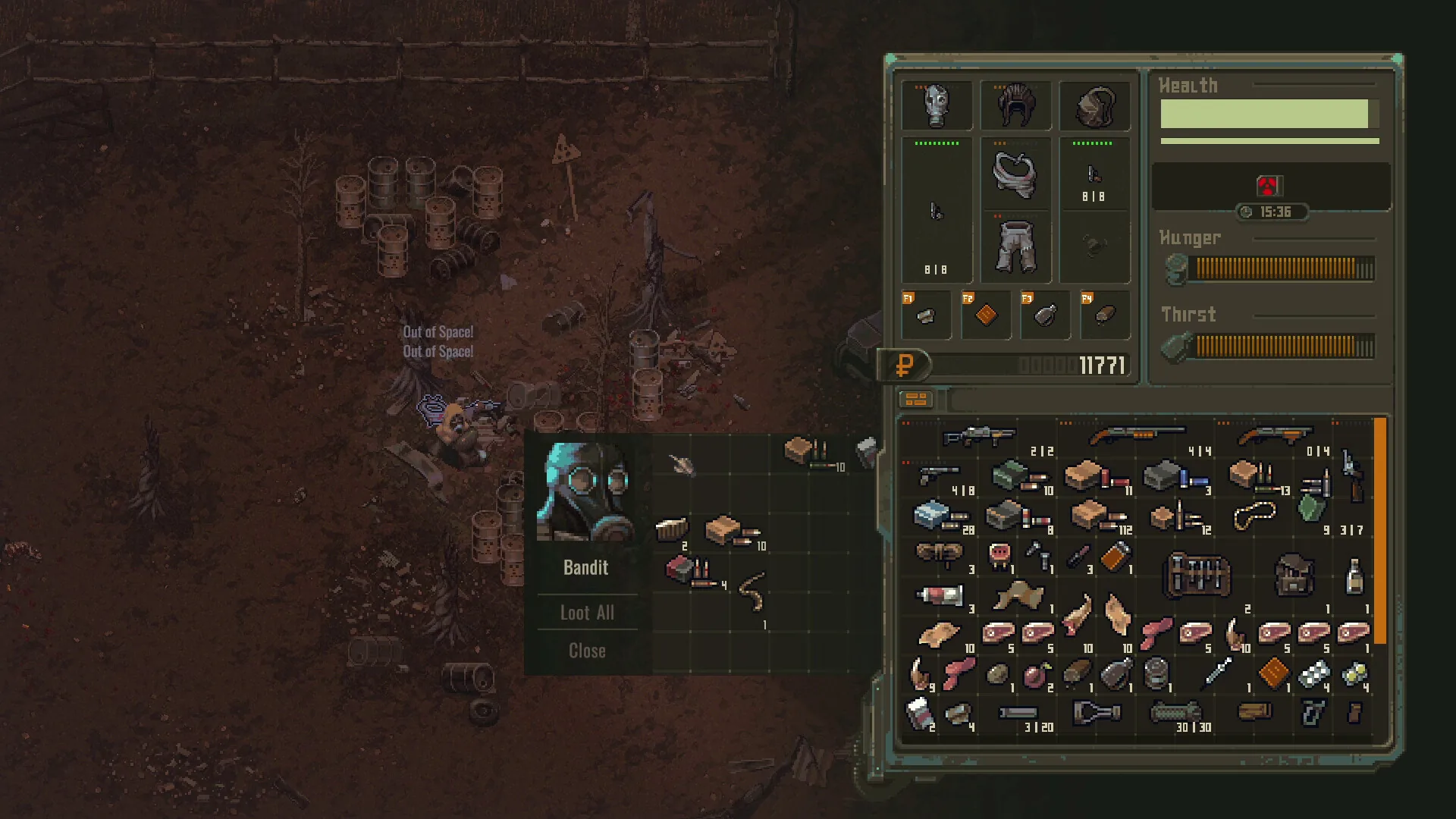
Scavlandのチートコード、開発者コンソールコマンド、シングルプレイ用トレーナー(WeMod / Cheat Engine)、エクスプローラーモード公式設定の完全解説。
ガイドを読む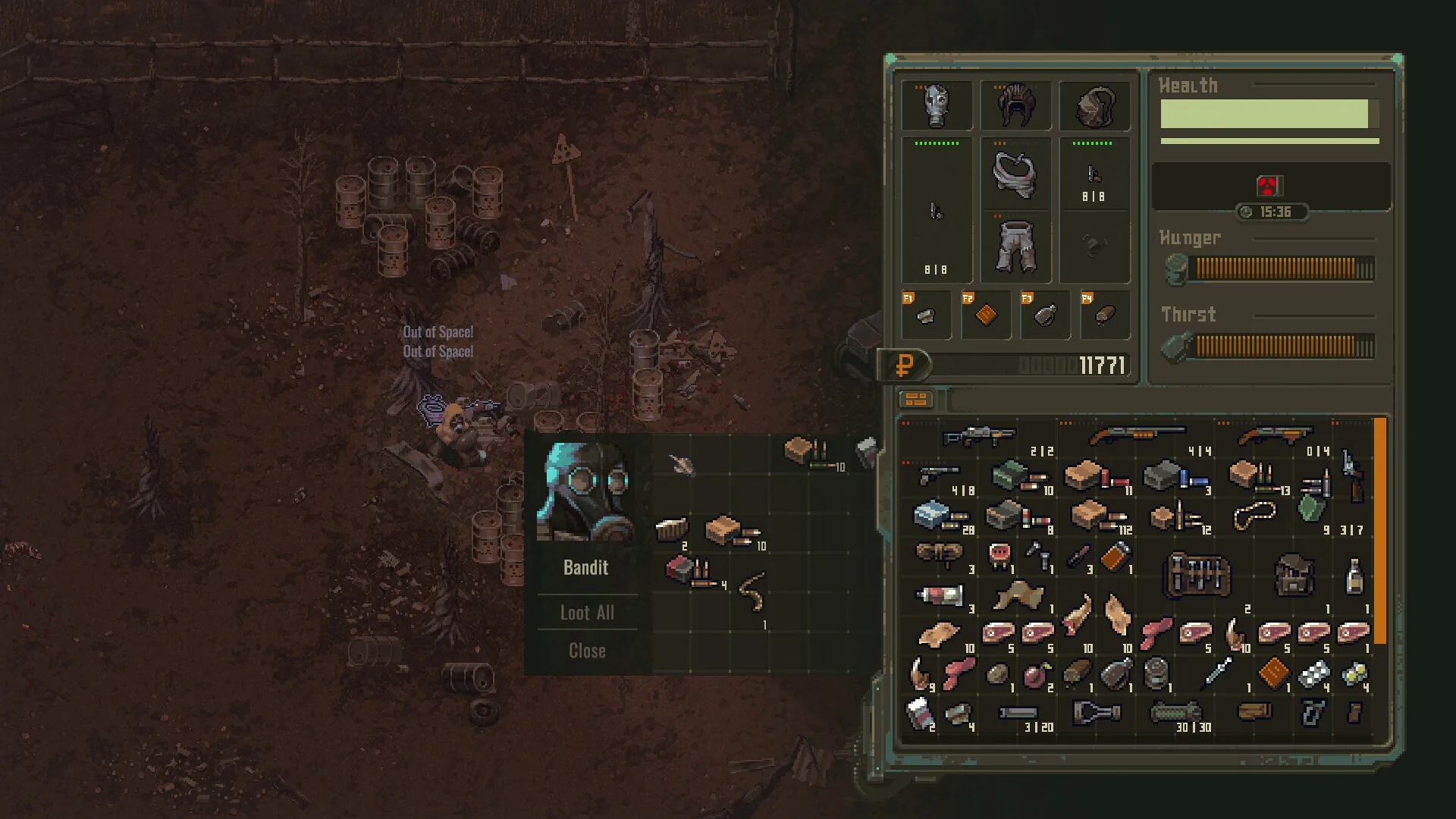
死亡とアイテム回収
Scavlandでのデスペナルティ、ロストしたバックパックの回収方法、マップ上のマーカー確認と安全な死体回収ルートの立ち回り。
ガイドを読む
Steam Deck 最適設定
Steam Deckや<strong>ROG Ally</strong>など携帯機でScavlandを遊ぶための設定の出発点:解像度、フレームレートとTDPの目安、コントローラー配置、文字サイズ。ここに載せているのは実測値ではなくおすすめ設定です。
ガイドを読む