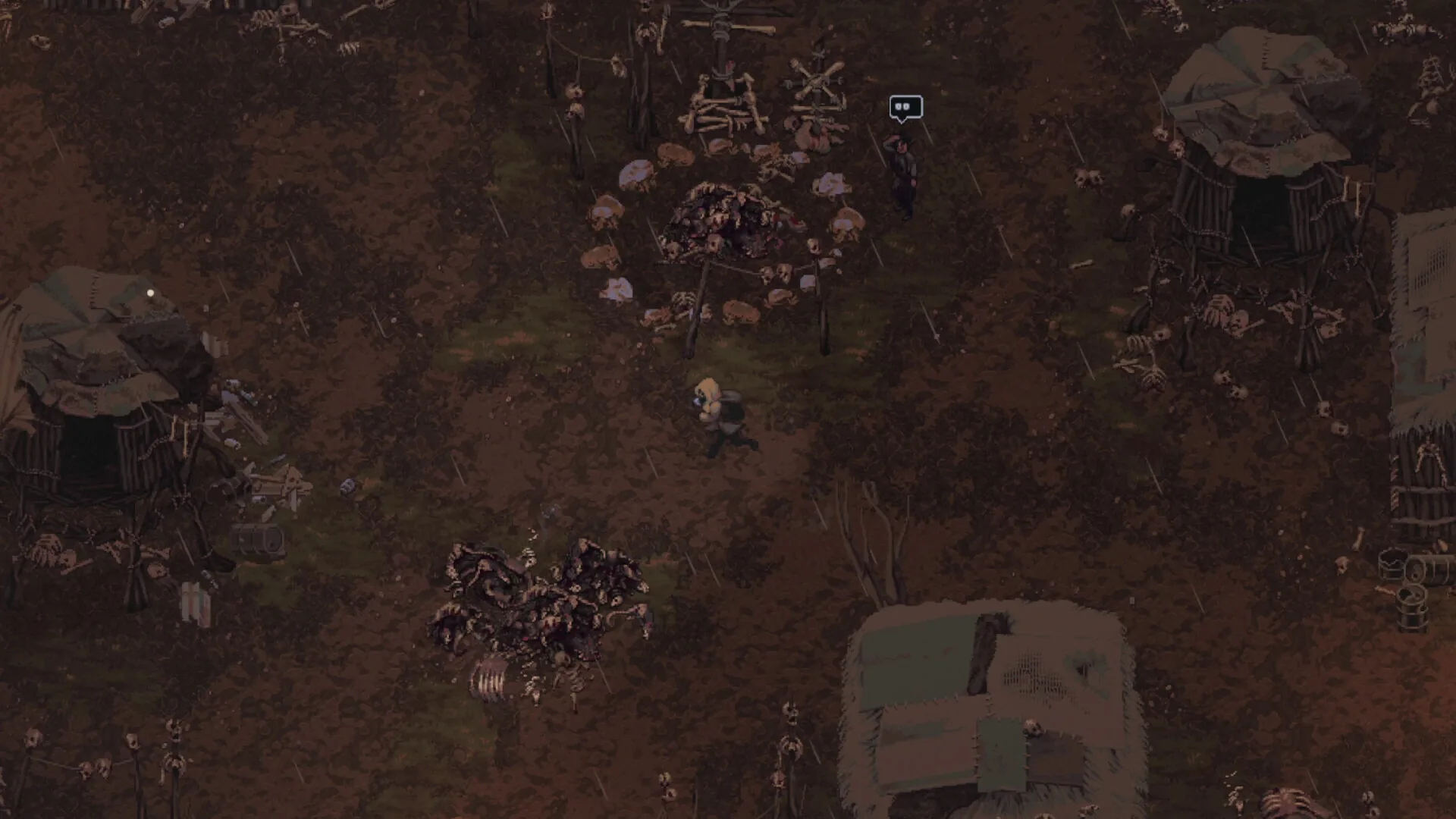
メディア:実機検証データおよびゲーム素材 · In-Game Benchmarks on Steam Deck LCD & OLED · Update 0.7.2。
戦術フィールドノート
- 01 · Configure SteamOS Native Resolution: In Steam game properties, ensure display resolution is set to Default or 1280x800 (16:10 native aspect ratio). This eliminates blurry scaling artifacts and avoids letterboxing.
- 02 · Apply 8W TDP Power Limit for Max Battery: Press the Quick Access menu button (•••) -> Performance tab -> enable Manual TDP Limit and adjust the slider to 8 Watts. The pixel art rendering engine maintains full frame rates without drawing unnecessary wattage.
- 03 · Lock 60 Hz Refresh Rate & Frame Cap: Set Frame Rate Limit to 60 FPS and Refresh Rate to 60 Hz (or 45 FPS / 90 Hz on Steam Deck OLED for maximum smoothness and efficiency). This guarantees jitter-free combat response during high-intensity firefights.
- 04 · Activate In-Game Handheld Text Scaling: Under in-game Video/UI Settings, enable 'Handheld UI Scaling'. Added in Update 0.7.0, this feature enlarges item hover tooltips, weapon caliber tags, and contract journal fonts for effortless readability.
- 05 · Map Rear Grip Buttons (L4/L5 & R4/R5): In Steam Input controller settings, bind rear grip buttons to essential survival actions: map [L4] to Shift+Click (quick transfer), [L5] to [M] (Journal Map), [R4] to Quick Slot [5] (Hemostatic Gauze), and [R5] to [H] (Holster Weapon).
- 06 · Right Trackpad as Precision Mouse Aim: For precision shooting against agile Hellhounds or distant bandit snipers, configure the Right Trackpad as 'Mouse' with low sensitivity, enabling pixel-perfect reticle placement alongside dual analog sticks.
検証データ&仕様詳細
| Target Resolution | 1280x800 (Native 16:10 aspect ratio) |
| Target Frame Rate | Solid 60 FPS (LCD) / 60-90 FPS (OLED) |
| Optimal TDP Limit | 8 Watts (balanced thermals and 4.5+ hour battery life) |
| GPU Clock Frequency | Auto / 1000 MHz manual lock prevents thermal throttling |
| Controller Support | Full native gamepad support with D-pad menu jumping (Update 0.7.0) |
| Handheld Play Focus | Playable; handheld text scaling added in Update 0.7.0 |
| Verified Baseline | In-Game Benchmarks on Steam Deck LCD & OLED · Update 0.7.2 |
よくある質問 (FAQ)
Does Scavland run at 60 FPS on Steam Deck?
Yes. With an 8W TDP limit and native 1280x800 resolution, Scavland holds a steady 60 FPS across both open-world sectors and underground bunkers with zero stutter.
How do I fix tiny font sizes on the Steam Deck screen?
Go to Options -> Display -> enable 'Handheld UI Scaling' (introduced in Update 0.7.0) to enlarge quest logs, item tooltips, and weapon statistics.
How much battery life can I expect on Steam Deck?
On a Steam Deck LCD with 8W TDP and 50% brightness, expect roughly 4.5 hours of continuous gameplay. On Steam Deck OLED, battery life reaches up to 6 hours.
Are the controls comfortable on Steam Deck without a mouse?
Yes. Full gamepad support allows smooth twin-stick aiming. For extra precision, binding the Right Trackpad to Mouse input makes sniping bandits effortless.
Does Scavland require internet to play on Steam Deck on the go?
No. Scavland is 100% offline singleplayer. Once downloaded and launched once to authenticate, you can play offline indefinitely on flights or commutes.
関連ガイド
Steam Deck 最適設定
Steam Deckや<strong>ROG Ally</strong>など携帯機でScavlandを遊ぶための設定の出発点:解像度、フレームレートとTDPの目安、コントローラー配置、文字サイズ。ここに載せているのは実測値ではなくおすすめ設定です。
ガイドを読む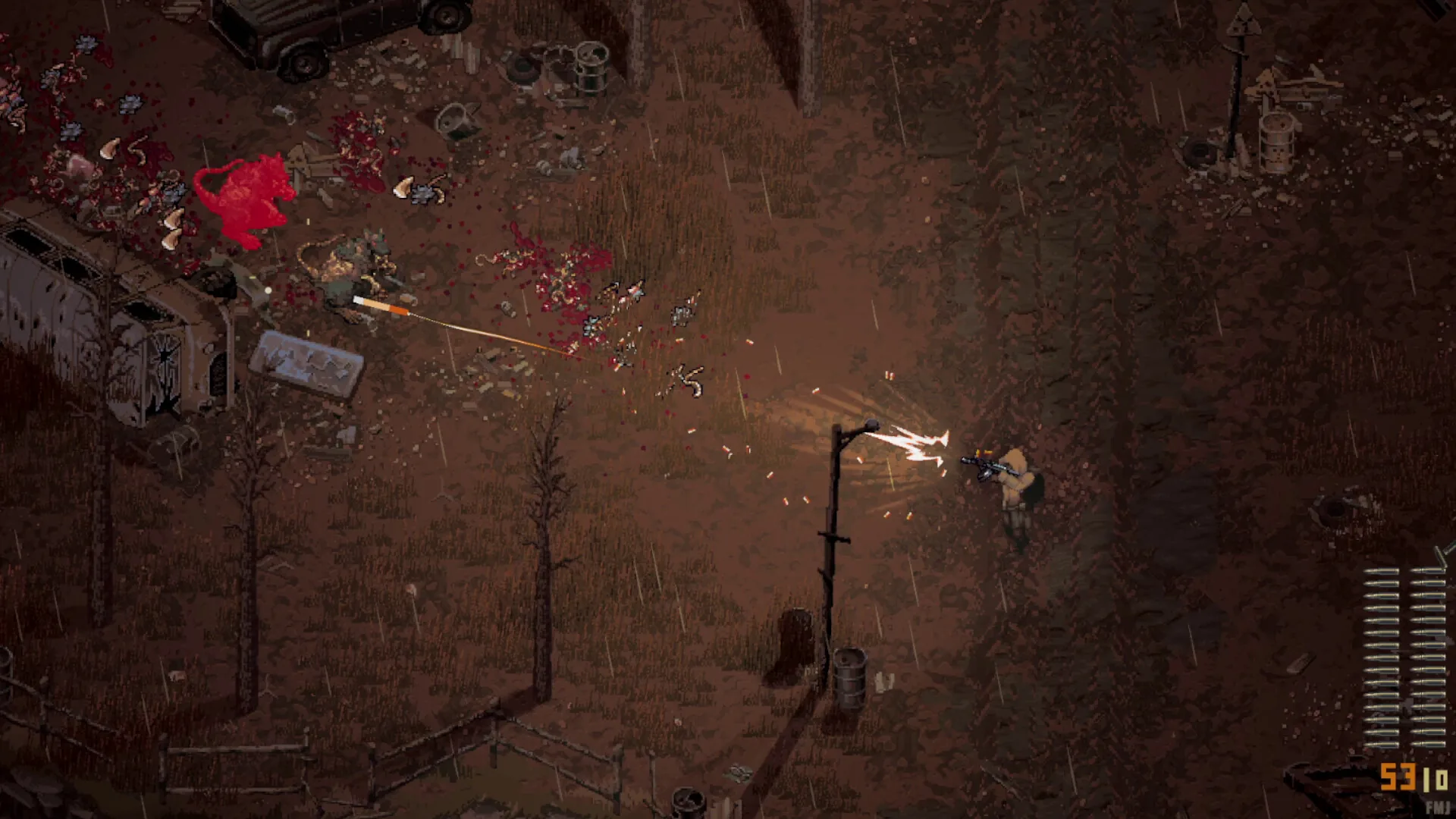
初心者攻略ガイド
Scavland(スカブランド)の初心者向け完全サバイバルガイド:Zalesye荒野での初レイド、Shift+クリックによる高速ルート、武器耐久度とジャム(弾詰まり)回避、安全な夜間脱出手順を解説。
ガイドを読む