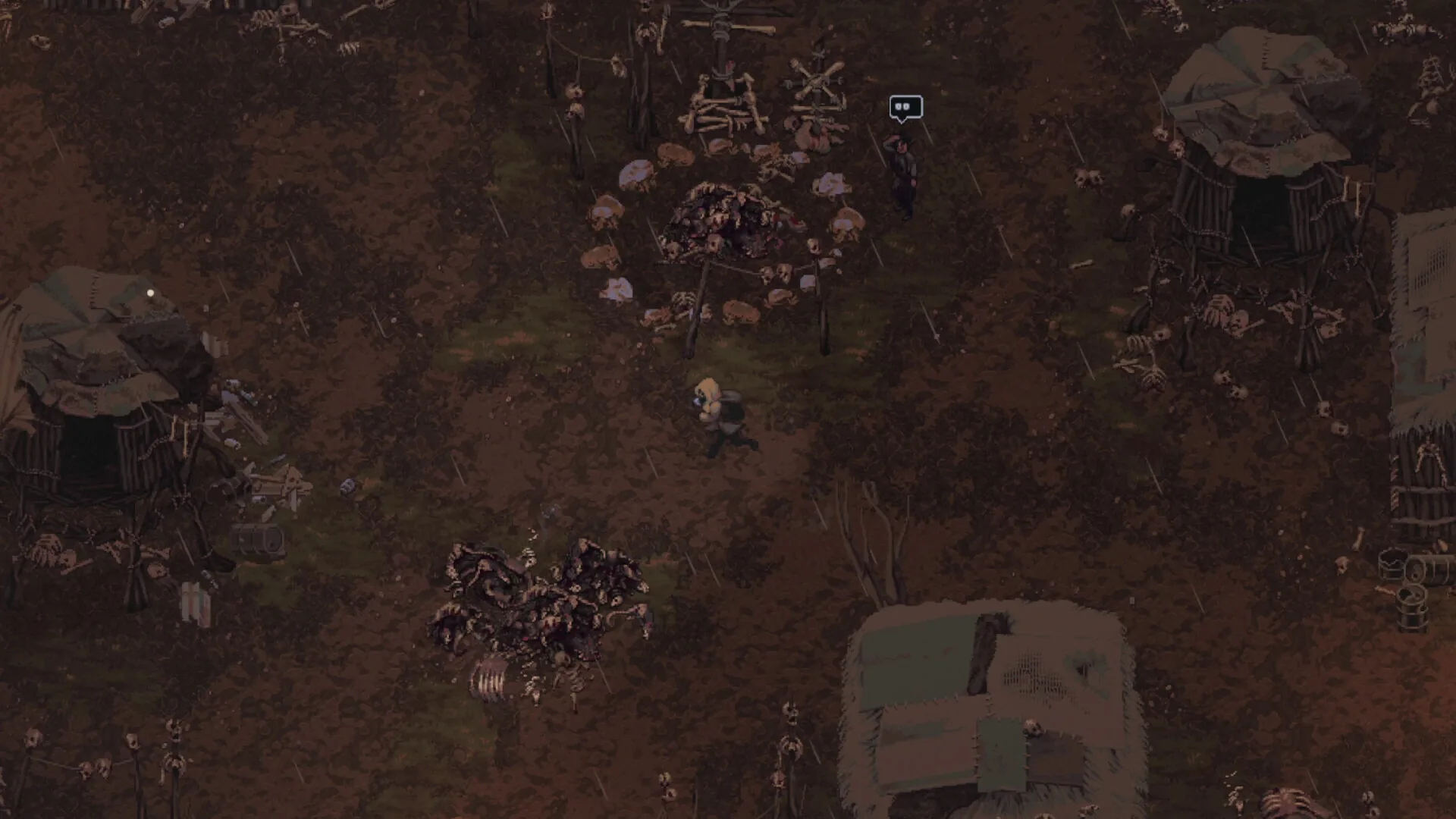
Media: user-provided authorized asset pack · In-Game Benchmarks on Steam Deck LCD & OLED · Update 0.7.2. This image supports context, not every mechanic described on the page.
Field notes
- 01 · Configure SteamOS Native Resolution: In Steam game properties, ensure display resolution is set to Default or 1280x800 (16:10 native aspect ratio). This eliminates blurry scaling artifacts and avoids letterboxing.
- 02 · Apply 8W TDP Power Limit for Max Battery: Press the Quick Access menu button (•••) -> Performance tab -> enable Manual TDP Limit and adjust the slider to 8 Watts. The pixel art rendering engine maintains full frame rates without drawing unnecessary wattage.
- 03 · Lock 60 Hz Refresh Rate & Frame Cap: Set Frame Rate Limit to 60 FPS and Refresh Rate to 60 Hz (or 45 FPS / 90 Hz on Steam Deck OLED for maximum smoothness and efficiency). This guarantees jitter-free combat response during high-intensity firefights.
- 04 · Activate In-Game Handheld Text Scaling: Under in-game Video/UI Settings, enable 'Handheld UI Scaling'. Added in Update 0.7.0, this feature enlarges item hover tooltips, weapon caliber tags, and contract journal fonts for effortless readability.
- 05 · Map Rear Grip Buttons (L4/L5 & R4/R5): In Steam Input controller settings, bind rear grip buttons to essential survival actions: map [L4] to Shift+Click (quick transfer), [L5] to [M] (Journal Map), [R4] to Quick Slot [5] (Hemostatic Gauze), and [R5] to [H] (Holster Weapon).
- 06 · Right Trackpad as Precision Mouse Aim: For precision shooting against agile Hellhounds or distant bandit snipers, configure the Right Trackpad as 'Mouse' with low sensitivity, enabling pixel-perfect reticle placement alongside dual analog sticks.
Evidence boundary
| Target Resolution | 1280x800 (Native 16:10 aspect ratio) |
| Target Frame Rate | Solid 60 FPS (LCD) / 60-90 FPS (OLED) |
| Optimal TDP Limit | 8 Watts (balanced thermals and 4.5+ hour battery life) |
| GPU Clock Frequency | Auto / 1000 MHz manual lock prevents thermal throttling |
| Controller Support | Full native gamepad support with D-pad menu jumping (Update 0.7.0) |
| Handheld Play Focus | Playable; handheld text scaling added in Update 0.7.0 |
| Verified Baseline | In-Game Benchmarks on Steam Deck LCD & OLED · Update 0.7.2 |
Questions players ask
Does Scavland run at 60 FPS on Steam Deck?
Yes. With an 8W TDP limit and native 1280x800 resolution, Scavland holds a steady 60 FPS across both open-world sectors and underground bunkers with zero stutter.
How do I fix tiny font sizes on the Steam Deck screen?
Go to Options -> Display -> enable 'Handheld UI Scaling' (introduced in Update 0.7.0) to enlarge quest logs, item tooltips, and weapon statistics.
How much battery life can I expect on Steam Deck?
On a Steam Deck LCD with 8W TDP and 50% brightness, expect roughly 4.5 hours of continuous gameplay. On Steam Deck OLED, battery life reaches up to 6 hours.
Are the controls comfortable on Steam Deck without a mouse?
Yes. Full gamepad support allows smooth twin-stick aiming. For extra precision, binding the Right Trackpad to Mouse input makes sniping bandits effortless.
Does Scavland require internet to play on Steam Deck on the go?
No. Scavland is 100% offline singleplayer. Once downloaded and launched once to authenticate, you can play offline indefinitely on flights or commutes.
Related guides
Steam Deck & Handheld Guide
Handheld setup for Scavland on Steam Deck and portable PCs: display scaling, frame-rate and power options, controller layouts, and text sizing. The settings below are suggestions to try, not measured benchmarks.
Read field notes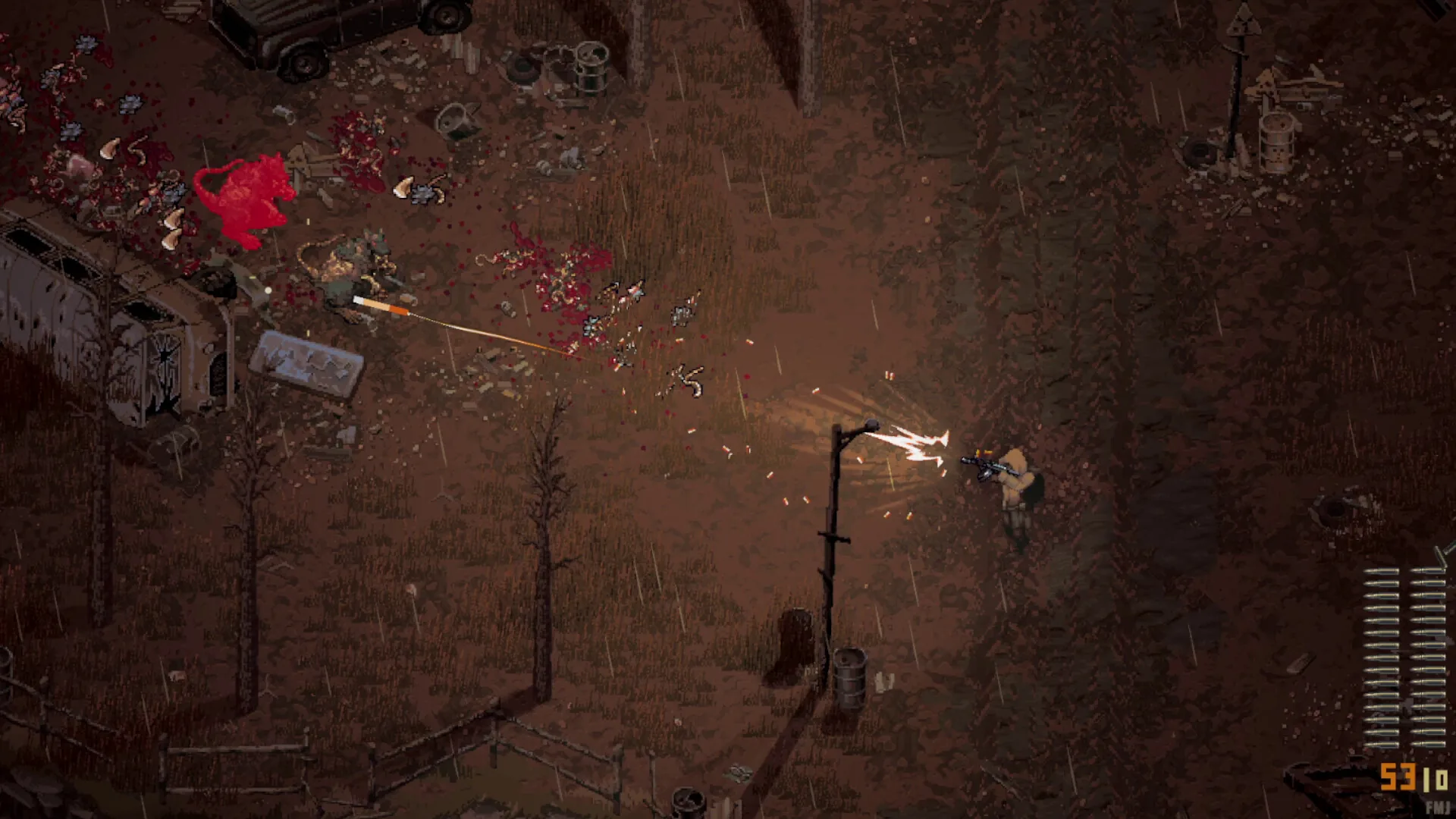
Beginner Guide (Update 0.7.2)
Definitive Scavland beginner guide & starter walkthrough: Update 0.7.0 & Hotfix 0.7.2 mechanics, Green Rags starter kit, 150 max stamina, difficulty dodge costs, 2x campfire healing, and The Mire safe route.
Read field notes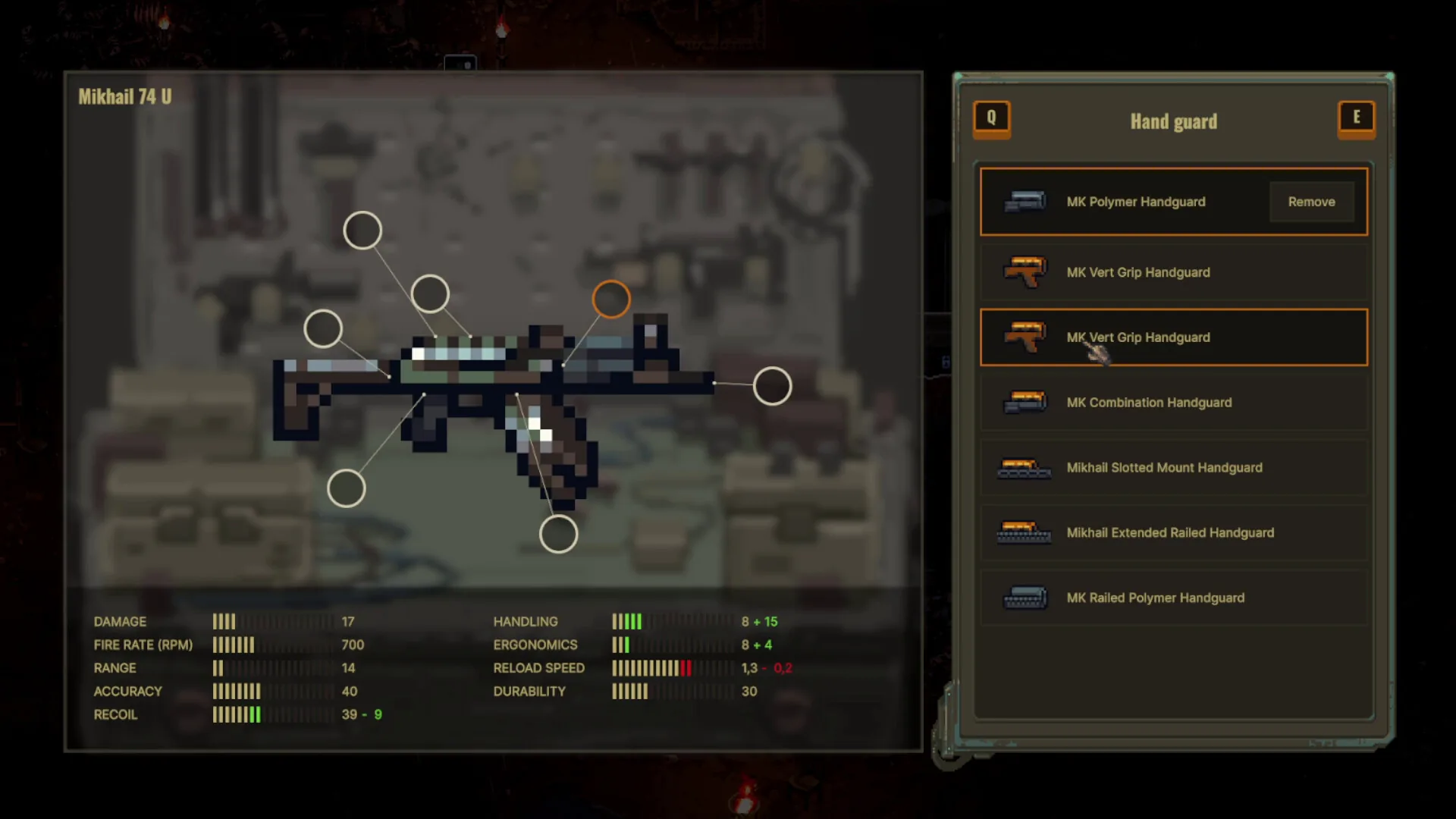
Starter Loadouts & Armor
Complete guide to Scavland armor mechanics and starter loadouts: body armor hit durability tiers, Update 0.7.0 damage distribution, repair kits, and budget Mikhail 74U kits.
Read field notes
Patch 0.7.0, 0.7.1 & 0.7.2
Complete breakdown of Scavland Update 0.7.0 and Hotfixes 0.7.1 & 0.7.2: 50,000 ruble stash expansions, rebuilt death screen, Raisa jobs rebalancing, and chunk fixes.
Read field notes