
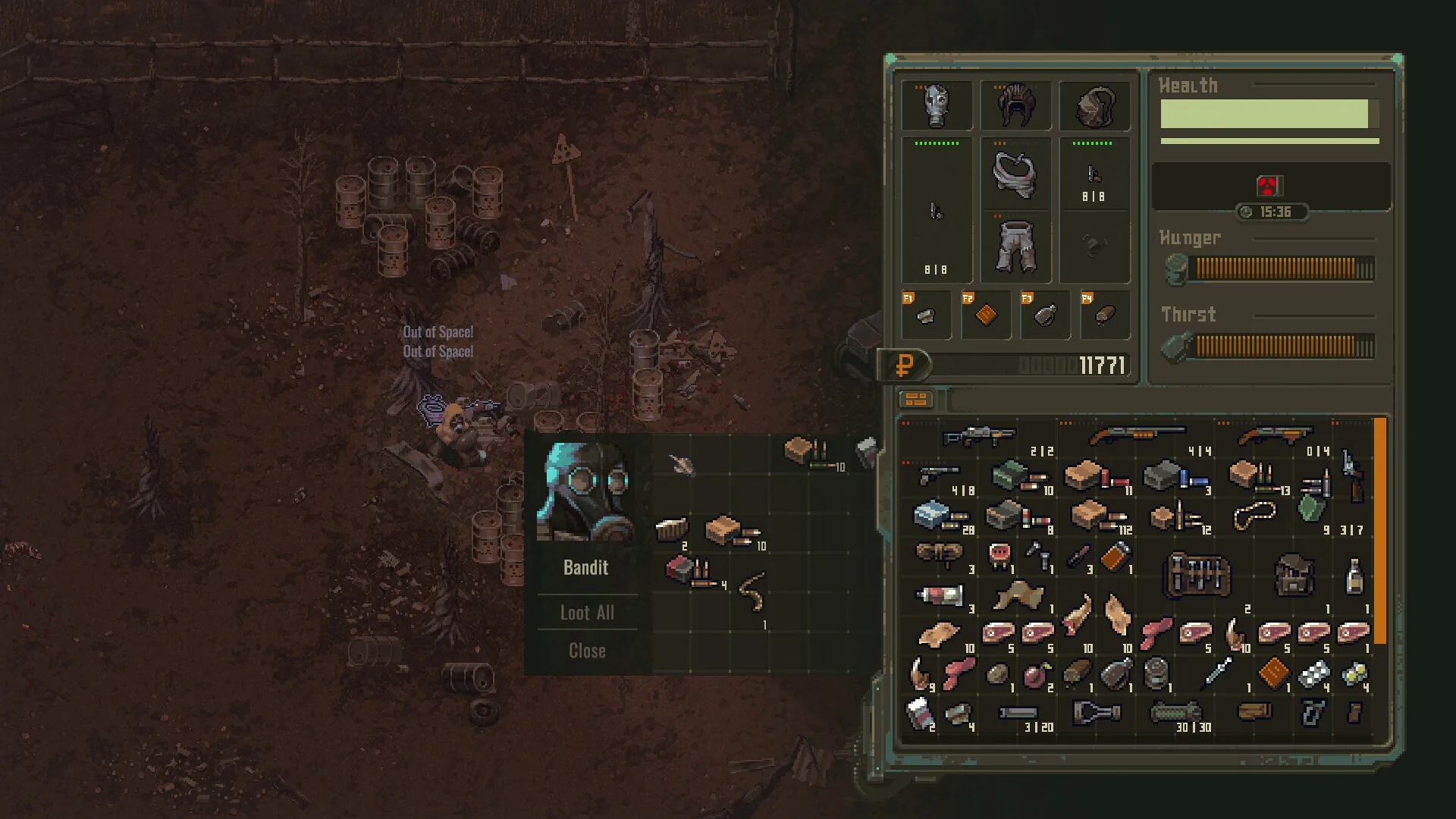
Media: user-provided authorized asset pack · Official Steam announcements & community reports · Update 0.7.0. This image supports context, not every mechanic described on the page.
Field notes
- 01 · Navigate Rebuilt Death Screen (Update 0.7.0): The Death Screen features specific mode actions instead of any-key interactions: Returner players choose Continue or Load Game; Iron Man players choose New Game or Exit; Tutorial players choose Try Again. Full gamepad navigation is fully supported.
- 02 · Dedicated Autosave Protection: Update 0.7.0 assigns an individual Autosave Slot to each run, ensuring that fatal mishaps or loading alternative sessions never overwrite the save file you are currently playing.
- 03 · Locate the Persistent Death Beacon: Upon respawning in your safehouse bunk, press [M] to open the overworld map. Your death coordinates are flagged with a skull beacon. While the beacon points to your latest death, older corpse bags remain physically on the ground until retrieved.
- 04 · Deploy with Budget Recovery Gear: Never take your best weapons on a corpse recovery run. Equip a budget shotgun or Makarov pistol, a clean bandage, and a splint from your safehouse emergency stash.
- 05 · Perimeter Sweep & Fast Scoop: Bandits or mutants that downed you frequently linger near the corpse bag. Clear hostiles from cover, hold [Shift+Click] to scoop all gear instantly, and extract without unnecessary detours.
Evidence boundary
| Rebuilt Death Screen | Update 0.7.0 added proper actions: Returner (Continue/Load Game), Iron Man (New Game/Exit), Tutorial (Try Again) |
| Full Gamepad Support | The Death Screen supports direct D-pad and controller face buttons since Update 0.7.0 |
| Dedicated Autosave Slots | Each run has its own Autosave Slot protecting current progression (Update 0.7.0) |
| Corpse Persistence | Dropped backpacks persist in the world with zero despawn timer until picked up |
| Safehouse Stash Security | Safehouse stashes are immune to death penalties; camp stashes added in Update 0.7.0 do not share village items |
| Verified Baseline | Official Steam announcements · Update 0.7.0 |
Questions players ask
What changed with the Death Screen in Update 0.7.0?
The Death Screen was completely rebuilt from the old any-key prompt into structured interactive choices: Returner offers Continue or Load Game, Iron Man offers New Game or Exit, and Tutorial offers Try Again, all with complete gamepad navigation.
Can dying corrupt or overwrite my other game saves?
No. Update 0.7.0 implemented a dedicated Autosave Slot for each run, isolating your current character progression from other save files.
Is there a time limit to recover your dropped backpack?
No. There is no expiration countdown. Your corpse bag stays in the game world indefinitely until retrieved.
What happens if I die a second time while running to my corpse?
The map skull beacon will shift to your newest death point, but your original dropped backpack does not disappear—it remains on the ground at the first location.
Can AI bandits loot or despawn your dropped items?
No. While enemies may patrol near your body, hostile AI scavengers do not loot or despawn items from player corpse bags.
Do camp stashes share items with the main village?
No. Update 0.7.0 added stashes and craft tables to all main camps, but they do not share items with the village stash. Only the main village stash can be upgraded with an additional tab for 50,000 Rubles.
Related guides
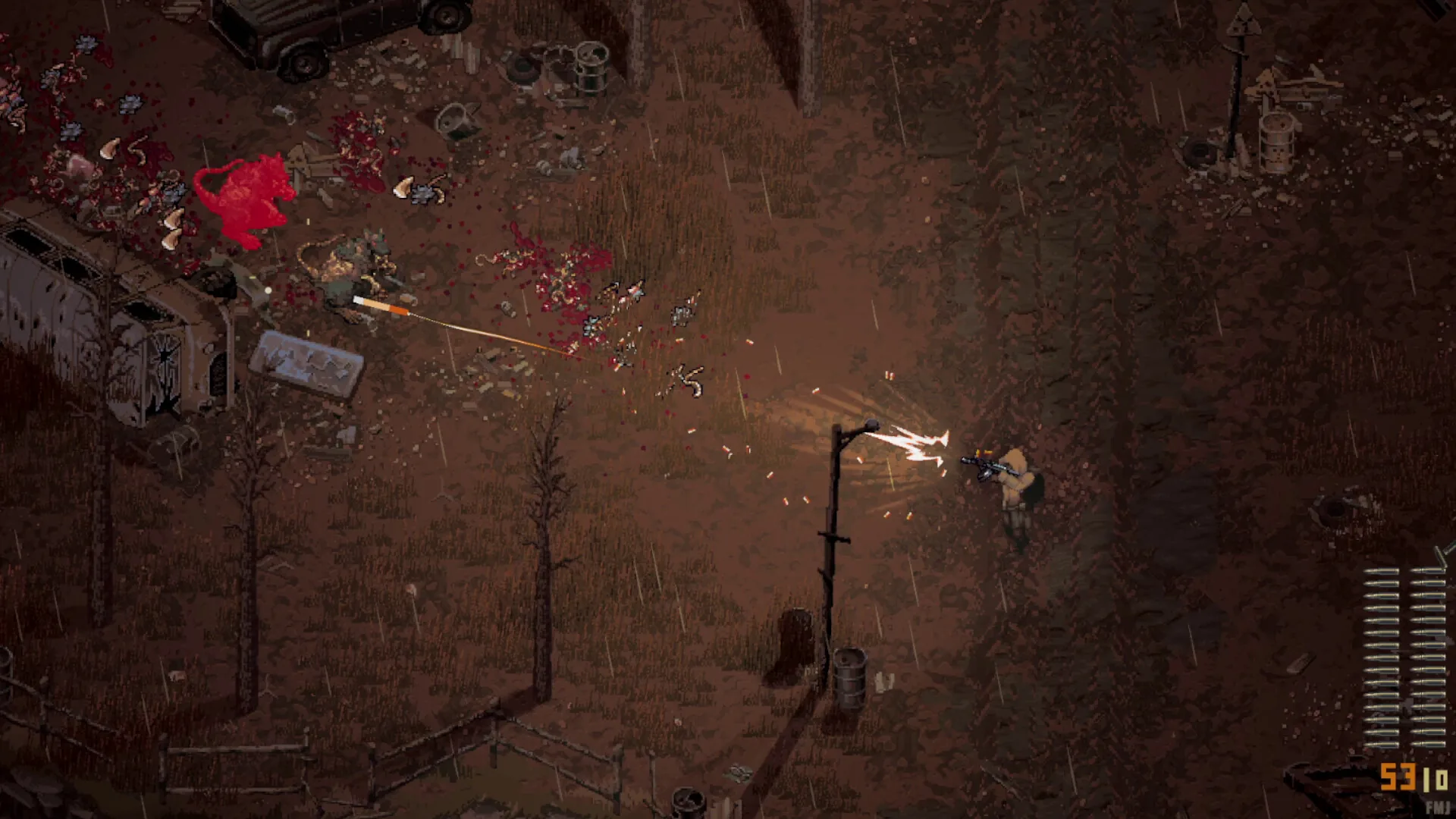
Beginner Guide (Update 0.7.2)
Definitive Scavland beginner guide & starter walkthrough: Update 0.7.0 & Hotfix 0.7.2 mechanics, Green Rags starter kit, 150 max stamina, difficulty dodge costs, 2x campfire healing, and The Mire safe route.
Read field notes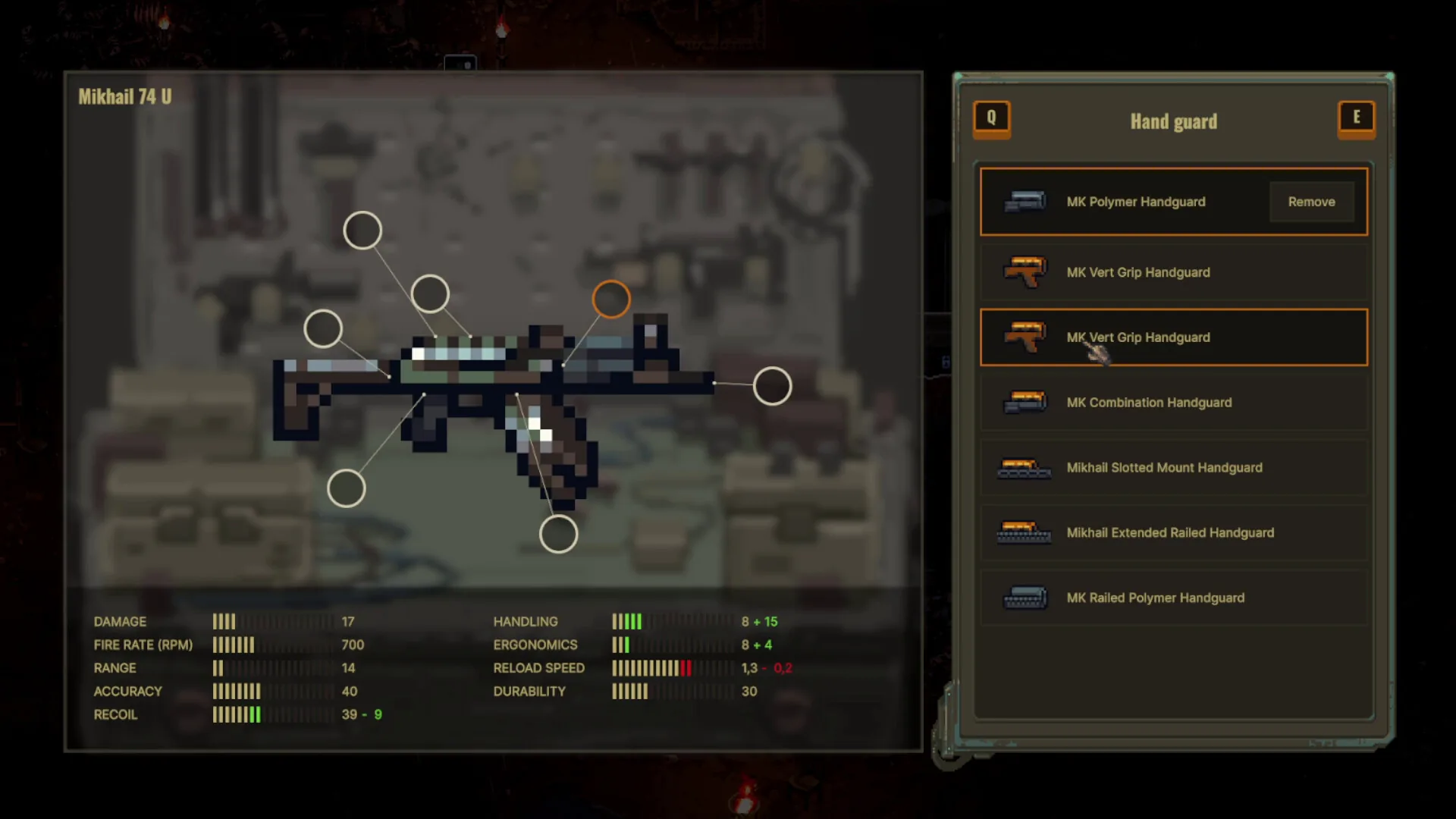
Starter Loadouts & Armor
Complete guide to Scavland armor mechanics and starter loadouts: body armor hit durability tiers, Update 0.7.0 damage distribution, repair kits, and budget Mikhail 74U kits.
Read field notes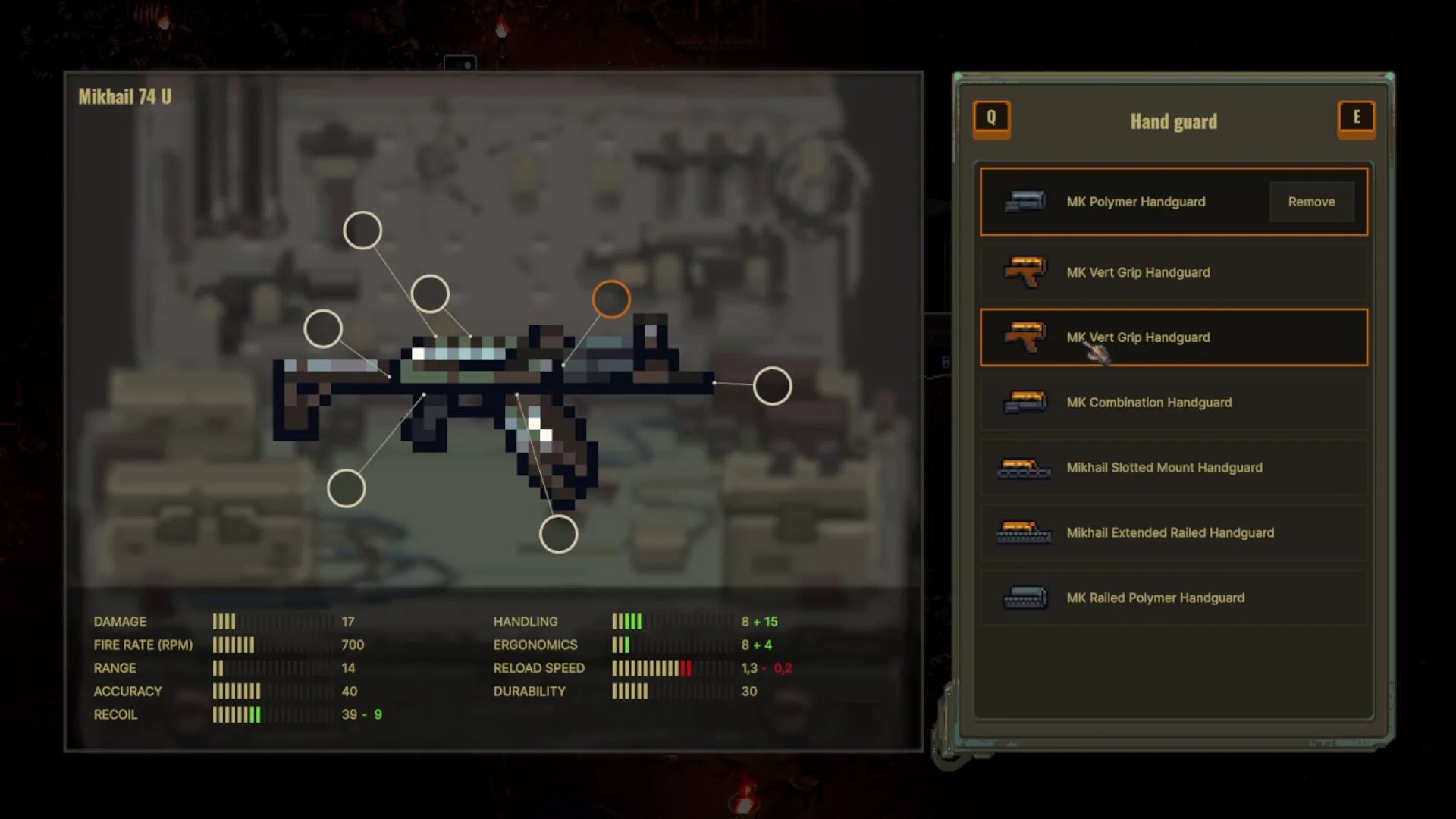
Quests & contracts
Complete guide to Scavland main quests and contracts: storyline progression from Dead Man's Rest to Catching Current, orange vs green quest items, and job penalties.
Read field notes Loot & Backpacks
Scavland loot and backpack guide: maximizing carry weight capacity, barter values vs crafting junk, spark plug payouts, and fast inventory management.
Read field notes