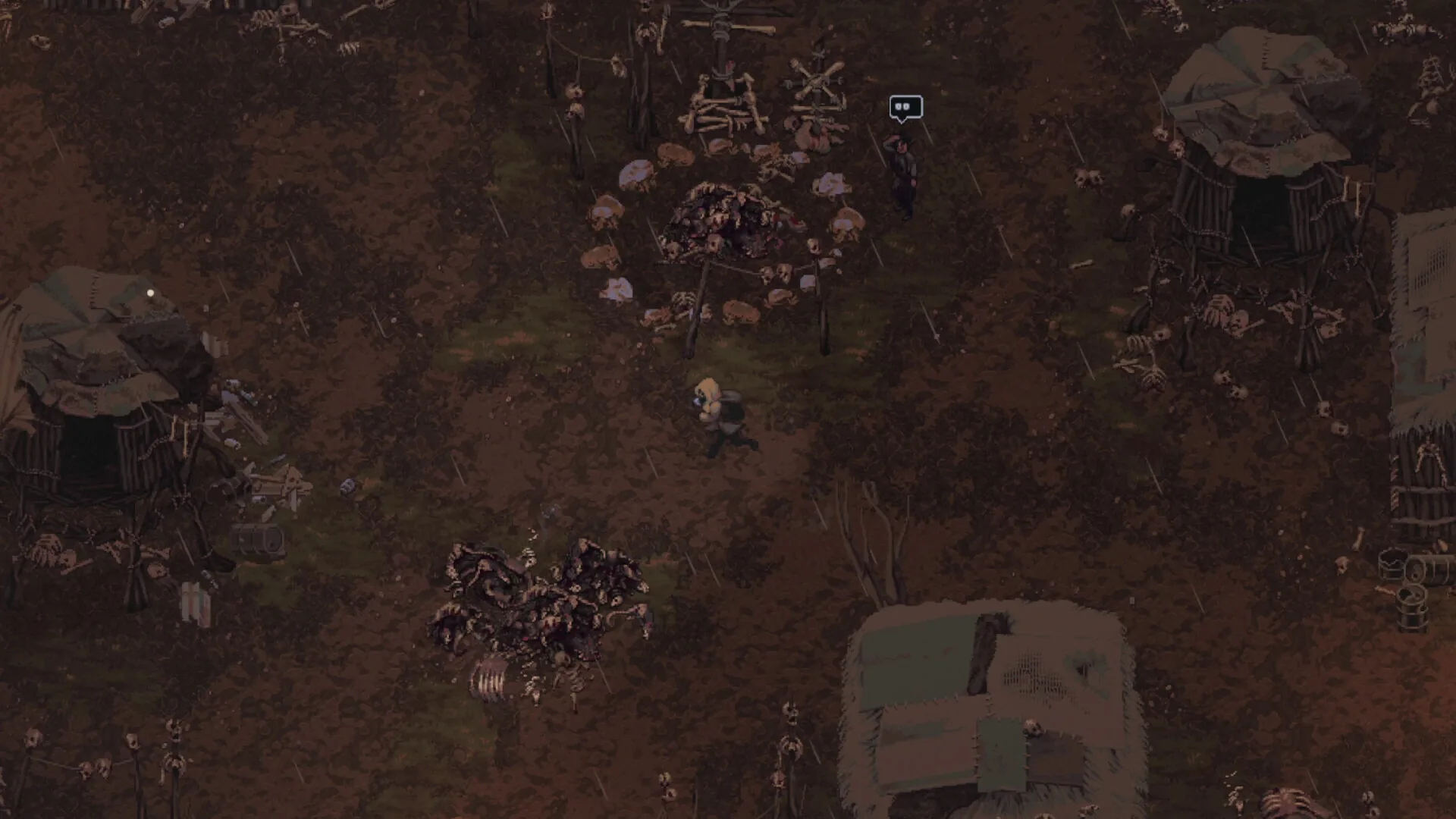
Media: user-provided authorized asset pack · Official Steam announcements & community reports · Update 0.7.0. This image supports context, not every mechanic described on the page.
Field notes
- 01 · Native Panel Resolution: The Steam Deck features a native 1280x800 display at 16:10. Set the display resolution to 1280x800 in video settings to prevent non-uniform scaling or blurred text labels.
- 02 · Power & Battery Tuning: In the SteamOS Quick Access Menu (•••), set a manual TDP limit and cap the refresh rate to 40Hz or 60Hz. A 40Hz cap delivers smooth top-down tactical movement while significantly extending handheld battery life.
- 03 · Death Screen & Gamepad Navigation: Update 0.7.0 added full controller navigation to the rebuilt Death Screen. Instead of a clumsy any-key press, players can use D-pad and face buttons to select Continue / Load Game (Returner mode), New Game / Exit (Iron Man mode), or Try Again (Tutorial).
- 04 · Action Hint Bar & Custom Rebinding: Ensure the Action Hint Bar remains enabled in Gameplay Settings. It dynamically displays context-sensitive button prompts across Inventory, Trade, Journal, and stack splitting windows.
- 05 · Text Sizing & UI Readability: Update 0.7.0 delivers improved text sizing on handheld screens. If small inventory descriptions or barter prices feel tight on a 7-inch panel, check UI scale options in accessibility settings.
Evidence boundary
| Handheld support | Full controller support; developer confirms game was designed with Steam Deck and handhelds in mind |
| Death Screen Gamepad | Update 0.7.0 introduced full gamepad button navigation across all game mode death screens |
| Native Resolution | 1280x800 at 16:10 aspect ratio matching the Steam Deck screen |
| Power Optimization | Adjustable manual TDP and 40Hz / 60Hz refresh presets in SteamOS Quick Access Menu |
| Action Hint Bar | Contextual bar dynamically displays relevant button inputs in inventory and trade windows |
| Latest Update | Update 0.7.0 & Hotfix 0.7.1 |
Questions players ask
How does Scavland perform on Steam Deck with Update 0.7.0?
Update 0.7.0 significantly polishes handheld play by introducing full gamepad support to the rebuilt Death Screen, refining text sizing on the 7-inch display, and maintaining smooth 8-directional analog movement.
Is text legible on the 7-inch Steam Deck screen?
Yes. Update 0.7.0 specifically optimized font rendering and text sizing for handheld resolutions. In-game item descriptions, trader barter values, and journal logs remain sharp at native 1280x800.
Does Scavland support Steam Cloud saves across PC and Deck?
Yes. Steam Cloud save synchronization is enabled, allowing seamless progression transfer between your desktop rig and Steam Deck.
Can you navigate the death screen with a controller?
Yes. As of Update 0.7.0, the Death Screen features full gamepad support with dedicated actions (Continue, Load Game, New Game, Exit, Try Again) instead of the previous generic any-key interaction.
Related guides
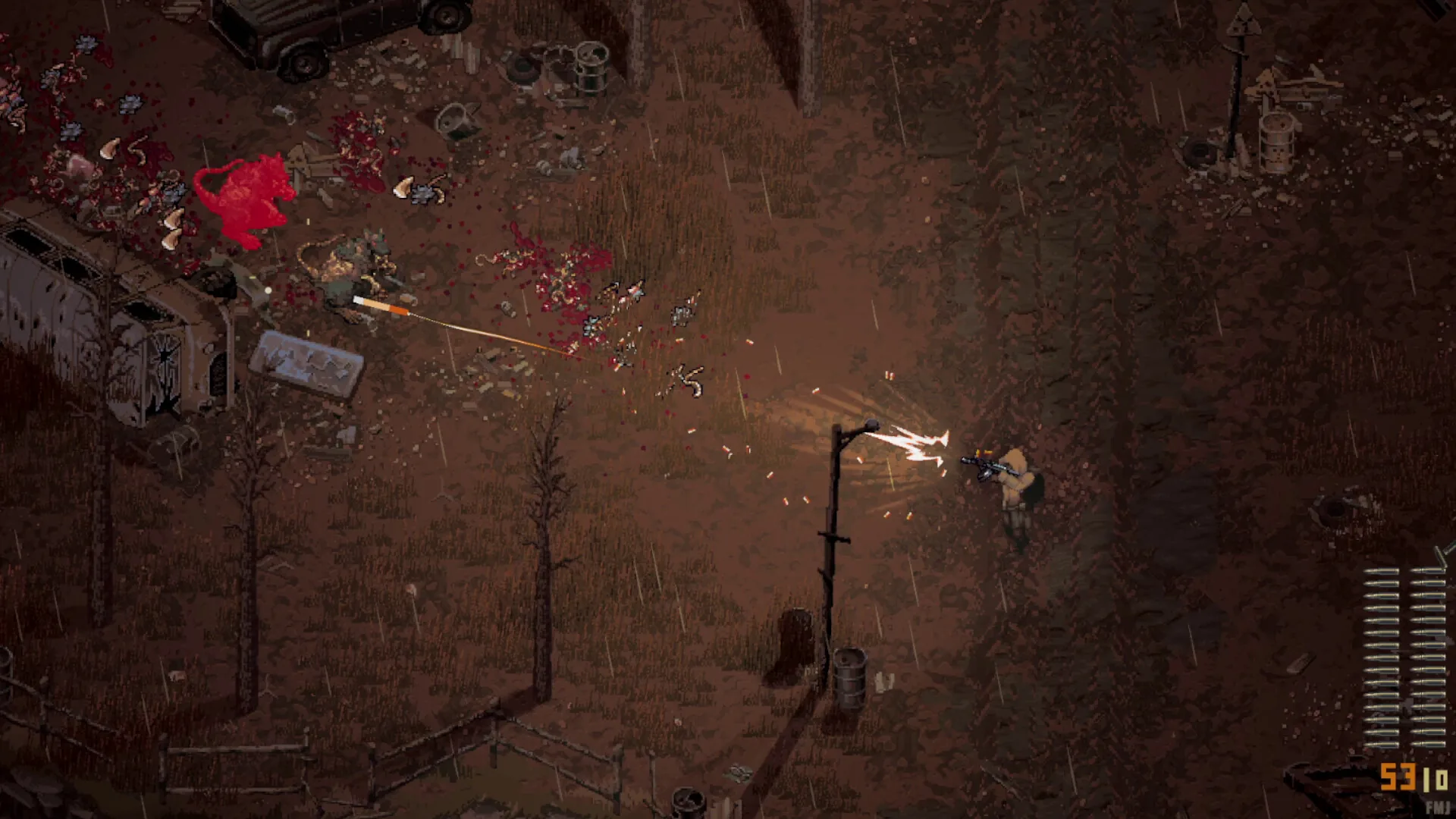
Beginner Guide (Update 0.7.2)
Definitive Scavland beginner guide & starter walkthrough: Update 0.7.0 & Hotfix 0.7.2 mechanics, Green Rags starter kit, 150 max stamina, difficulty dodge costs, 2x campfire healing, and The Mire safe route.
Read field notes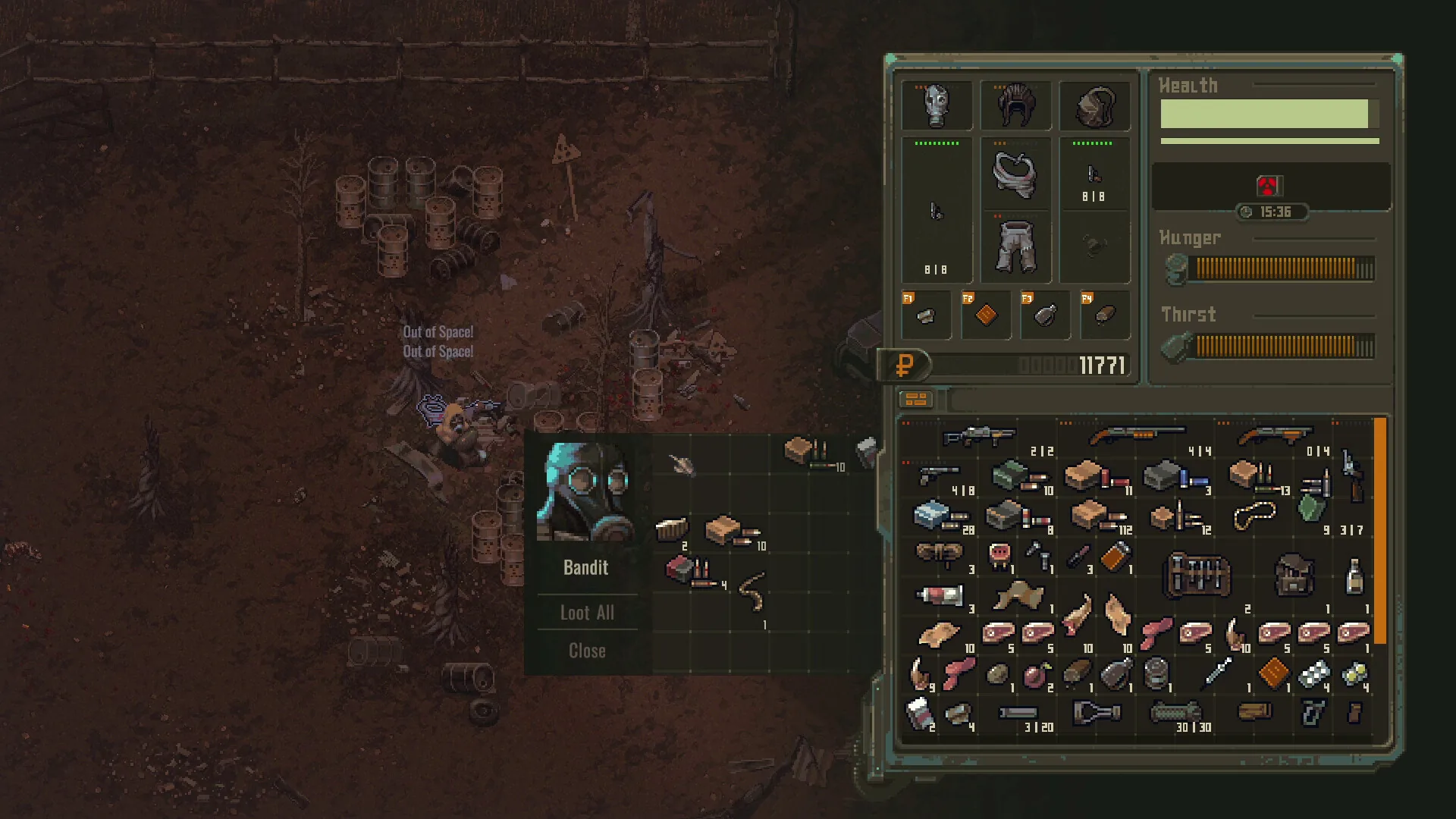
Weapons & attachments
Complete Scavland weapons and attachments guide: 25+ firearms, 300+ attachment components, Update 0.7.0 durability pass, jam clearance, and weapon bench modding.
Read field notes