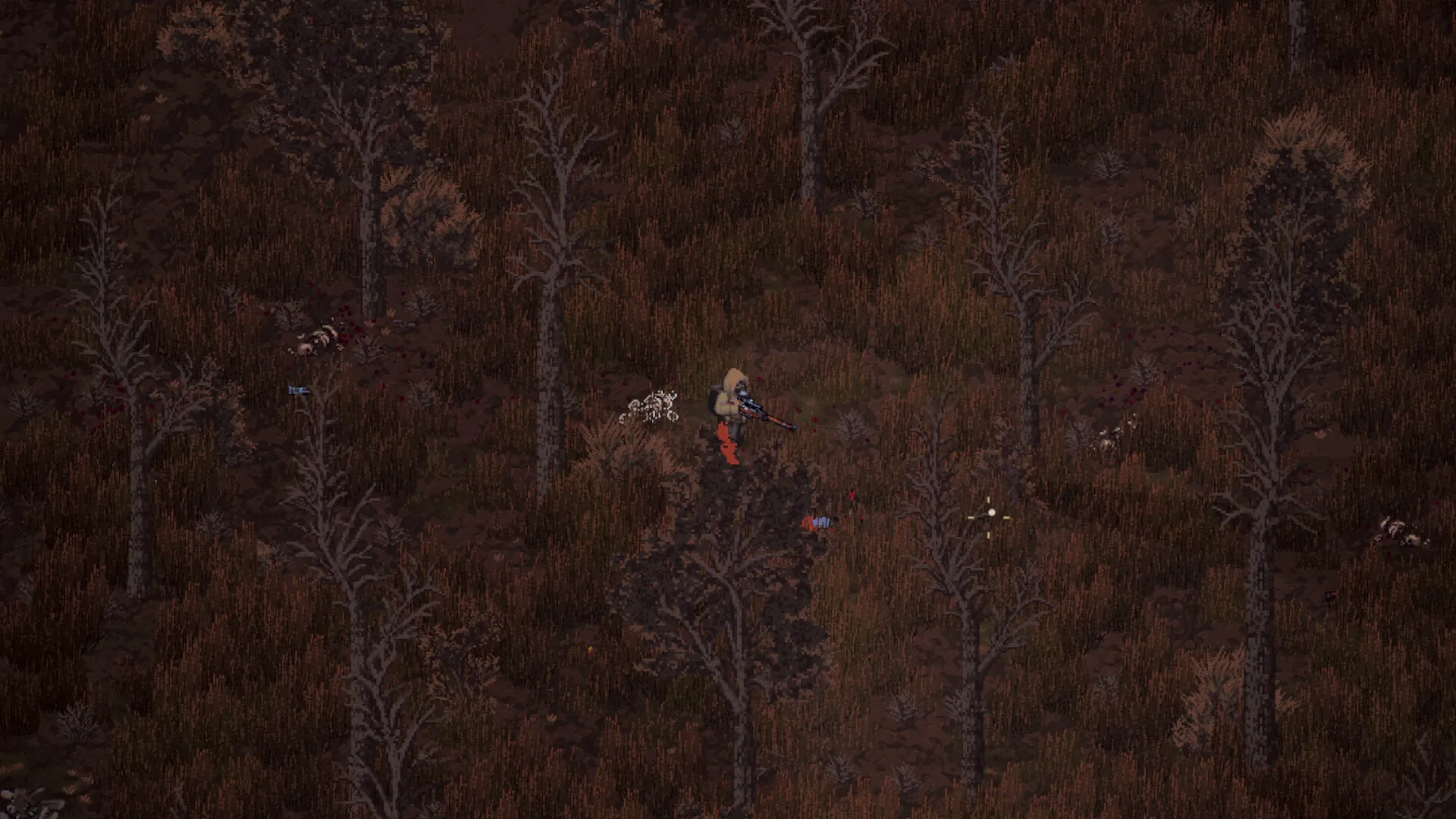
Media: user-provided authorized asset pack · Community reports. This image supports context, not every mechanic described on the page.
Field notes
- 01 · Official Localization Status: Check the game language settings in Steam library properties; developer NoShadow is currently working with community translators for official integration.
- 02 · Backup Original Language Strings: Navigate to your installation directory (`Steam/steamapps/common/Scavland/data/localization/`) and backup `en_strings.json`.
- 03 · Apply Verified Translation Patch: Place the community `ru_strings.json` dictionary into the localization directory or use the community-provided launch parameter `-lang=ru`.
- 04 · Resolving Cyrillic Font Square Glyphs: If Russian letters display as empty boxes, replace the bitmap font file in `data/fonts/` with the extended Unicode UTF-8 font patch.
- 05 · Verifying Trader Dialogue: Launch the game and converse with trader Anatoly in Zalesye to verify that quest descriptions and barter prices render correctly.
Evidence boundary
| Official EA Languages | English interface and subtitles supported out-of-the-box in 0.6.3 |
| Roadmap Integration | Official Russian, German, and Spanish translations are planned for upcoming quarterly patches |
| String File Format | Plaintext UTF-8 JSON structure located in game root localization directory |
| Font Rendering Fix | Square glyph errors are resolved by dropping extended Cyrillic bitmap fonts into the font folder |
| Save File Safety | Language string modifications do not alter character save files or safehouse progression |
Questions players ask
Does Scavland support Russian officially?
Official Russian localization is scheduled for an upcoming Early Access update. Currently, the game natively supports English with active community translations available.
Will applying a language patch ban me or corrupt my save?
No. Scavland is a singleplayer game without anti-cheat restrictions on localization files, and string files are completely decoupled from save game data.
Why do Cyrillic letters show up as question marks or boxes?
This occurs when the default font atlas lacks Cyrillic Unicode code points; installing the extended font pack resolves all missing glyphs.
Related guides
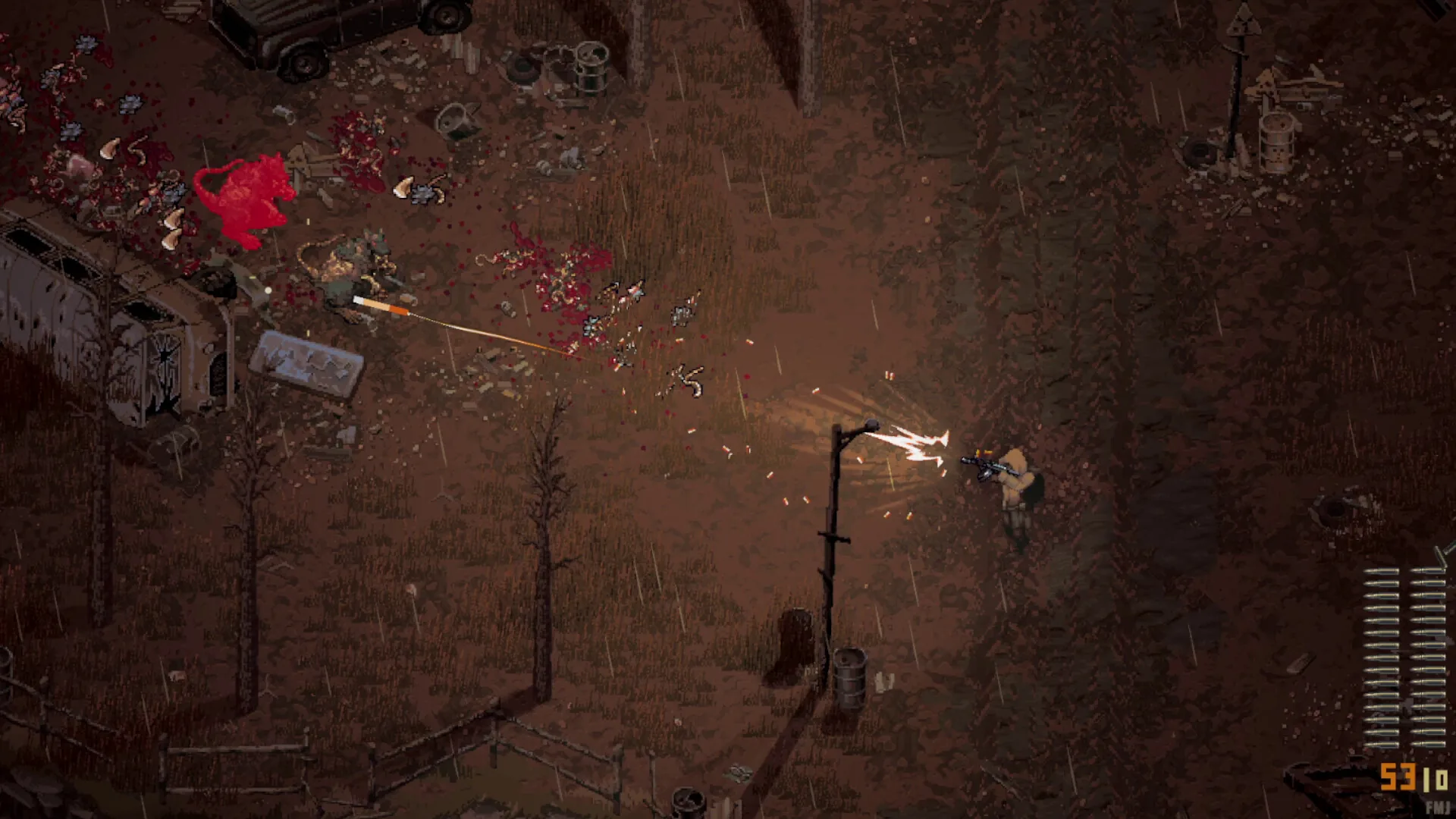
Beginner Guide (Update 0.7.2)
Definitive Scavland beginner guide & starter walkthrough: Update 0.7.0 & Hotfix 0.7.2 mechanics, Green Rags starter kit, 150 max stamina, difficulty dodge costs, 2x campfire healing, and The Mire safe route.
Read field notes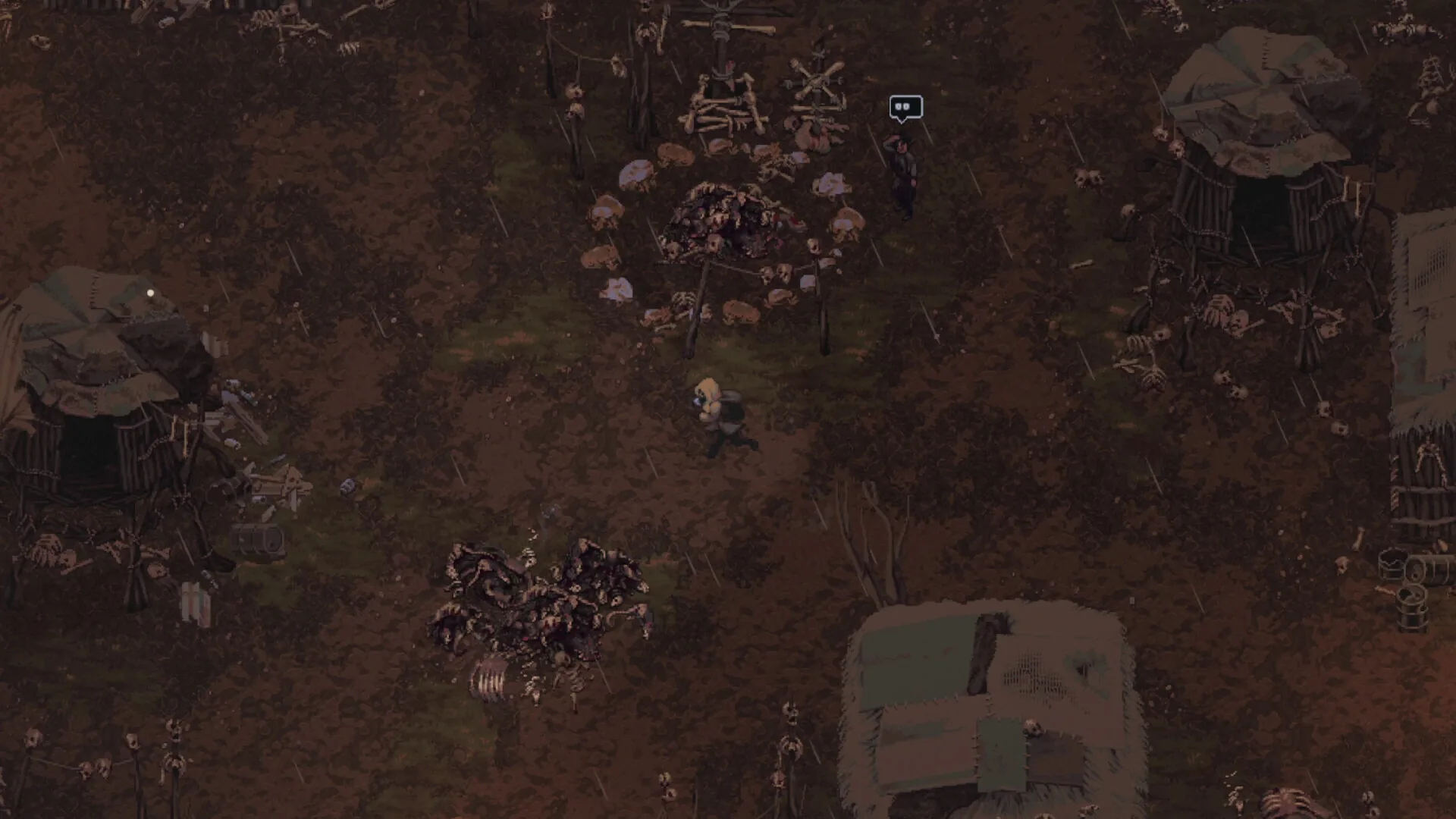
EA Scope & FAQ
Everything about Scavland Early Access launch (0.6.3): singleplayer progression across 10 factions, roadmap expectations, and UI behaviors.
Read field notes
Quests & contracts
Complete guide to Scavland main quests and contracts: storyline progression from Dead Man's Rest to Catching Current, orange vs green quest items, and job penalties.
Read field notes