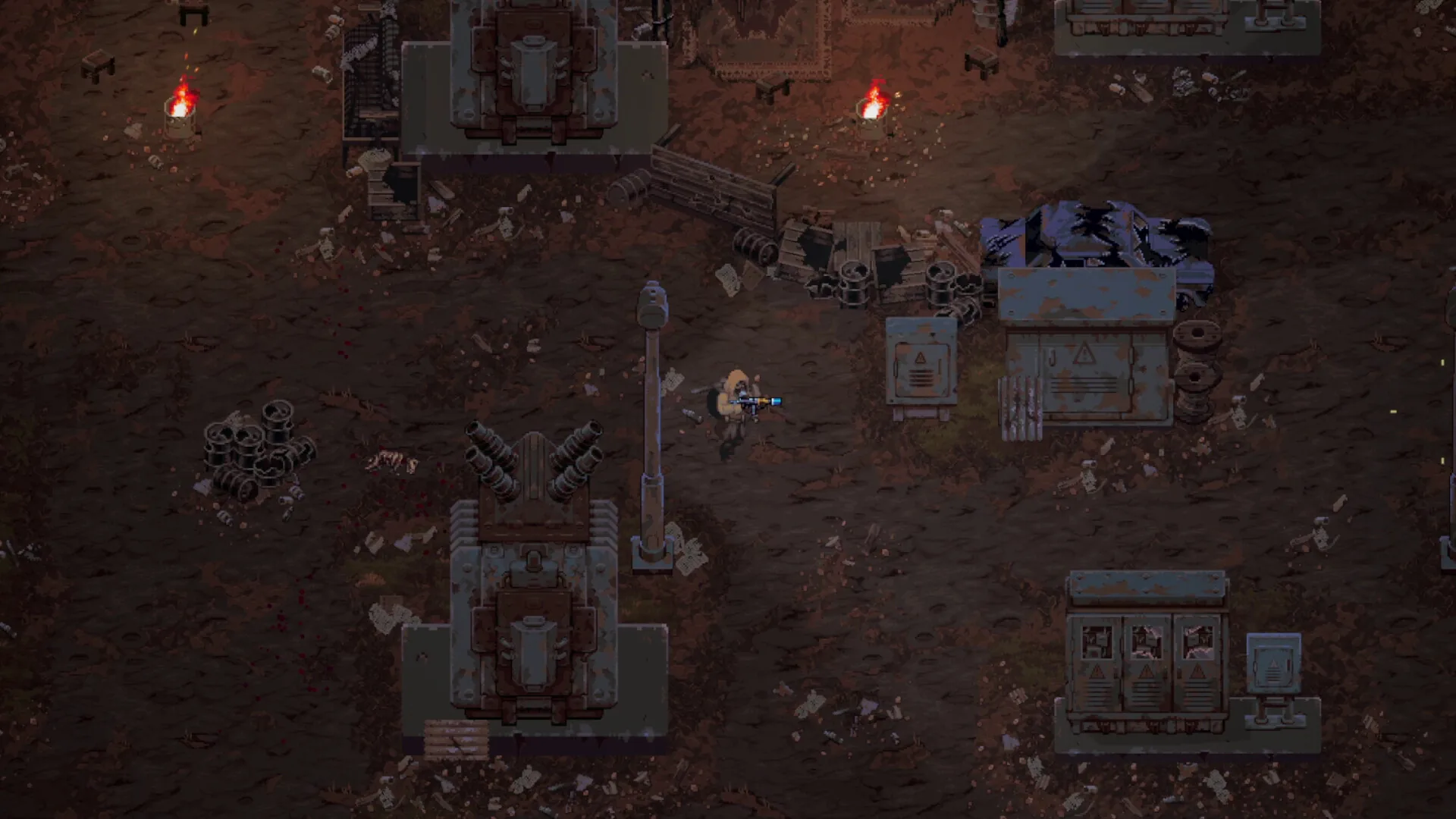
Media: user-provided authorized asset pack · Steam Community Technical Discussions & Patch 0.7.2 Changelogs. This image supports context, not every mechanic described on the page.
Field notes
- 01 · Fix Black Screen on Startup (-force-d3d11 Flag): If Scavland launches to audio with a persistent black screen, right-click the game in your Steam Library -> Properties -> Launch Options -> enter -force-d3d11 to bypass DirectX 12 driver handshake conflicts.
- 02 · Resolve Stash Interaction Freeze (Hotfix 0.7.1 Baseline): If opening your permanent Safehouse Stash freezes player input, ensure your client is updated to Update 0.7.1 or newer, which resolved storage container pointer locks across all faction camps.
- 03 · Fix Missing World Chunks & Void Falling (Hotfix 0.7.2): If wasteland terrain fails to load when transitioning between central Zalesye and outpost zones, verify game file integrity via Steam: Properties -> Installed Files -> 'Verify integrity of game files'.
- 04 · Repair Corrupted Save Profiles: If loading a save results in an infinite loading spinner, navigate to %USERPROFILE%\AppData\LocalLow\NoShadow\Scavland\Saves\, delete the affected slot's corrupted index, and replace it with its automated _autosave.bak copy.
- 05 · Eliminate Micro-Stutter & Frame Drops: Disable third-party background recording overlays (Discord Game Overlay, GeForce Experience, Razer Cortex). Set V-Sync to 'On' in your graphics driver control panel and match your monitor's native refresh rate.
- 06 · Submit Diagnostic Logs to Developer NoShadow: If unresolvable crashes persist, locate your crash report at %USERPROFILE%\AppData\Local\Temp\NoShadow\Scavland\Crashes\ and upload the Player.log to the official Steam Bug Reports sub-forum.
Evidence boundary
| Primary Launch Parameter | -force-d3d11 forces stable DirectX 11 backend rendering |
| Save File Recovery | Rename .bak files in %USERPROFILE%\AppData\LocalLow\NoShadow\Scavland\Saves\ |
| Critical Patches | Hotfix 0.7.1 fixed stash freeze; Hotfix 0.7.2 resolved world chunk loading |
| Log File Path | %USERPROFILE%\AppData\LocalLow\NoShadow\Scavland\Player.log |
| Overlay Incompatibilities | Disable Discord and RivaTuner overlays to prevent startup hooks from failing |
| RAM Overhead | Requires 8GB minimum; close memory-intensive browsers on 8GB systems |
| Verified Baseline | Steam Community Technical Discussions & Patch 0.7.2 Changelogs |
Questions players ask
How do I fix Scavland crashing on launch?
Add '-force-d3d11' to your Steam Launch Options, disable fullscreen optimizations on the game executable, and verify that your GPU drivers are updated to the latest release.
Why does my game freeze when opening the safehouse stash?
This was a known bug in early 0.7.0 builds where container inventories desynced. Update your game to Hotfix 0.7.1 or newer through Steam to automatically resolve this.
How do I recover a broken or corrupted save file in Scavland?
Navigate to '%USERPROFILE%\AppData\LocalLow\NoShadow\Scavland\Saves\', delete the corrupted 'slot_01.dat', and rename 'slot_01_autosave.bak' to 'slot_01.dat'.
Why does Scavland drop frames in dense Mist fog?
Volumetric fog particles can tax older GPUs. In video settings, reduce 'Particle Quality' and 'Shadow Resolution' to High or Medium to restore smooth frame rates.
Where can I find Scavland error logs to report a bug?
Find your diagnostic log file at '%USERPROFILE%\AppData\LocalLow\NoShadow\Scavland\Player.log' and share it on the Steam community technical support subforum.
Related guides
Save File Location
Find your Scavland PC save files, backup campaign progression, restore corrupted saves, and manage Update 0.7.0 dedicated Autosave Slots on Windows & Steam Deck.
Read field notes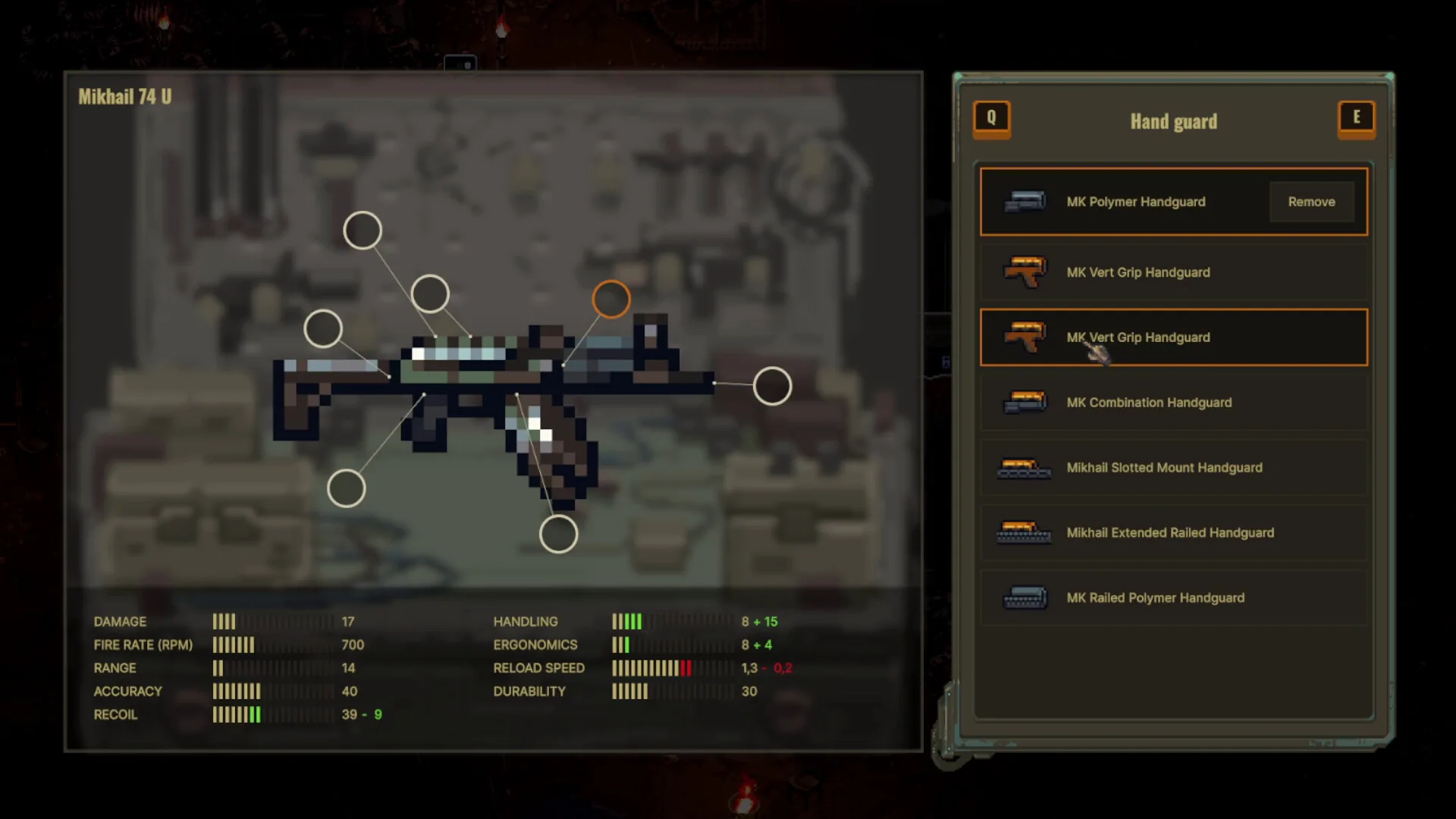
Patch 0.7.0, 0.7.1 & 0.7.2
Complete breakdown of Scavland Update 0.7.0 and Hotfixes 0.7.1 & 0.7.2: 50,000 ruble stash expansions, rebuilt death screen, Raisa jobs rebalancing, and chunk fixes.
Read field notes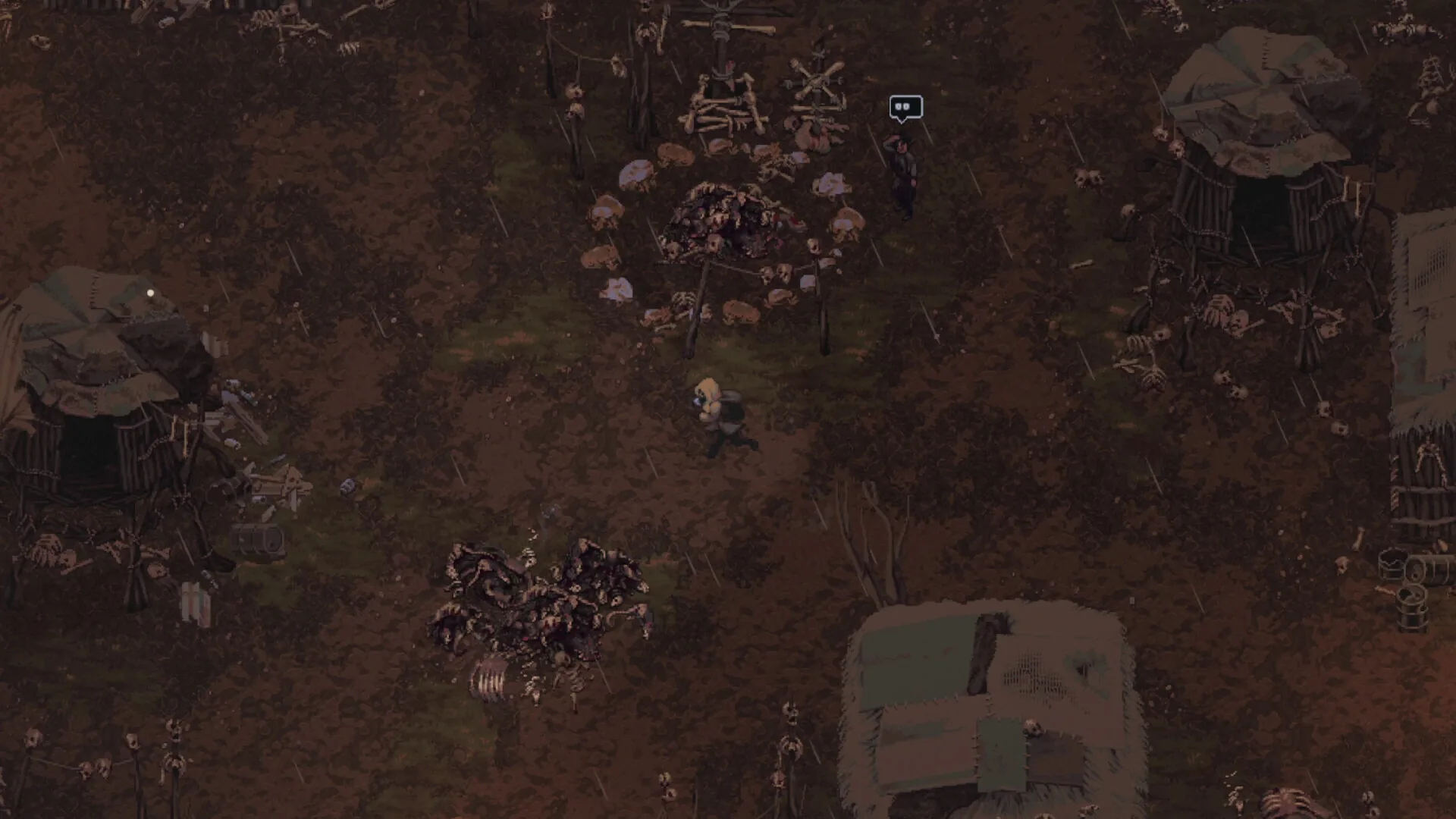
Steam Deck & Handheld Guide
Handheld setup for Scavland on Steam Deck and portable PCs: display scaling, frame-rate and power options, controller layouts, and text sizing. The settings below are suggestions to try, not measured benchmarks.
Read field notes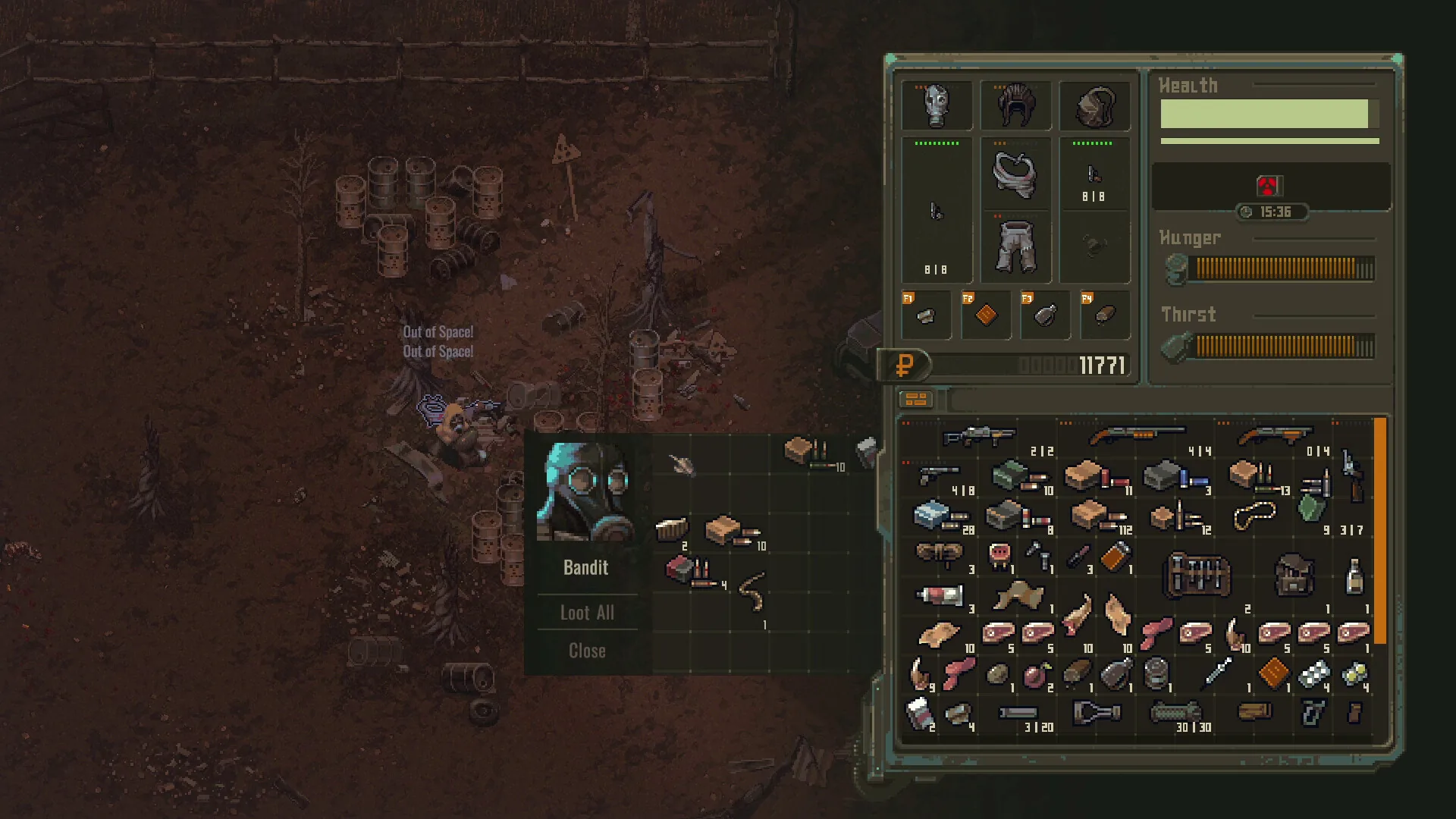
Cheats & Trainer
Scavland trainer and cheats guide: -dev & -console launch flags, single-player trainer & CT table compatibility, memory offset updates, and save backup protection.
Read field notes